



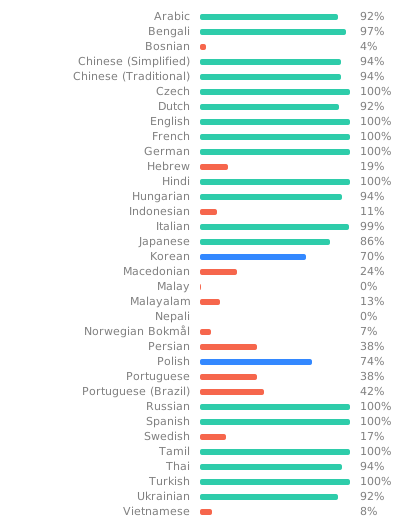
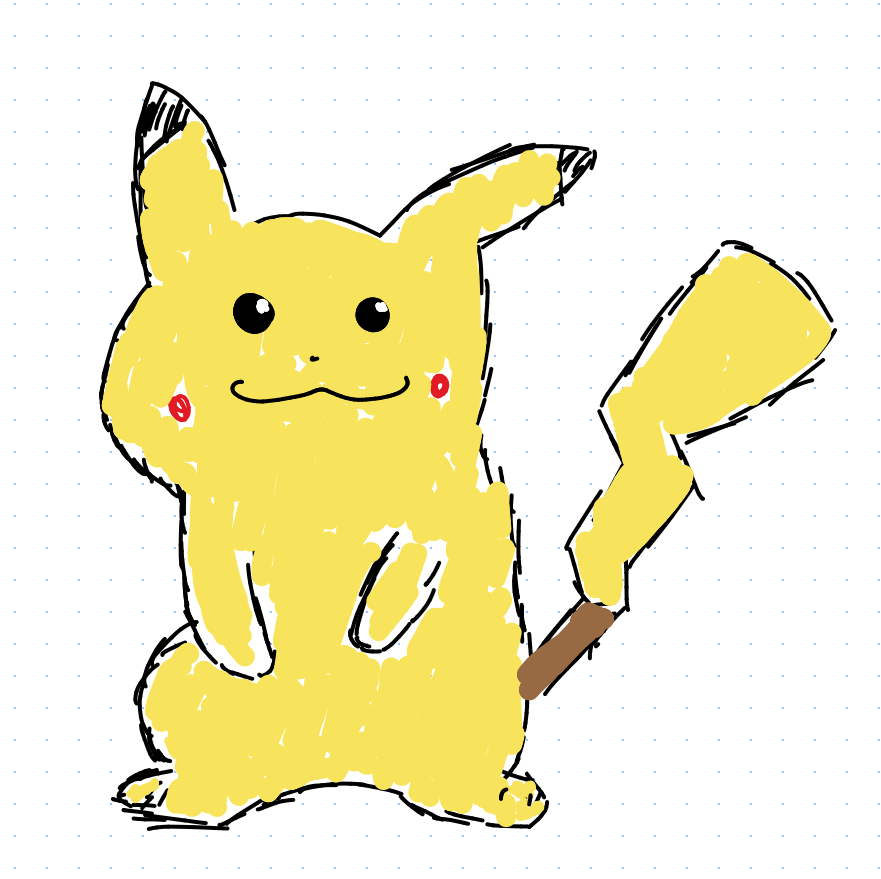
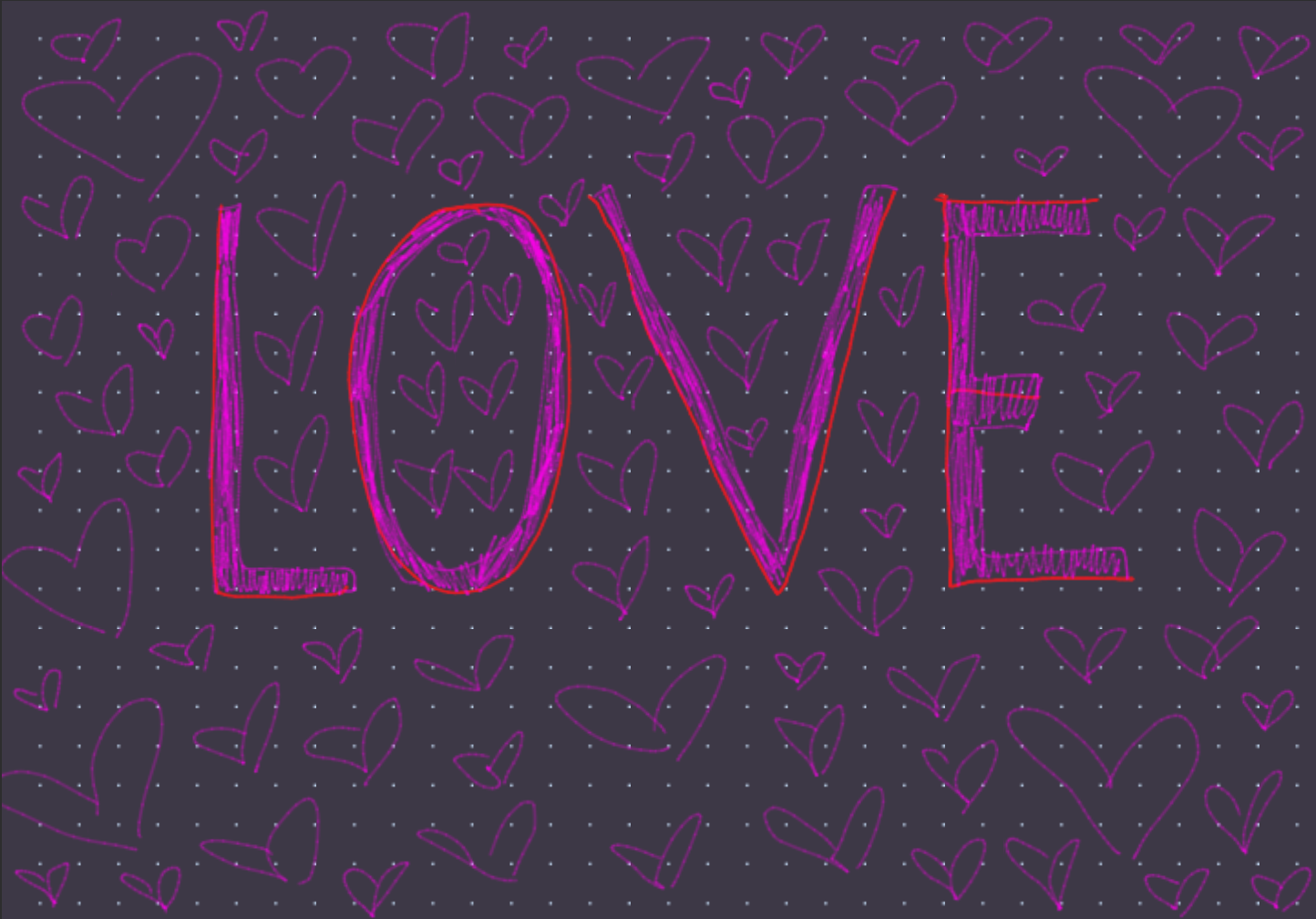
What is this?
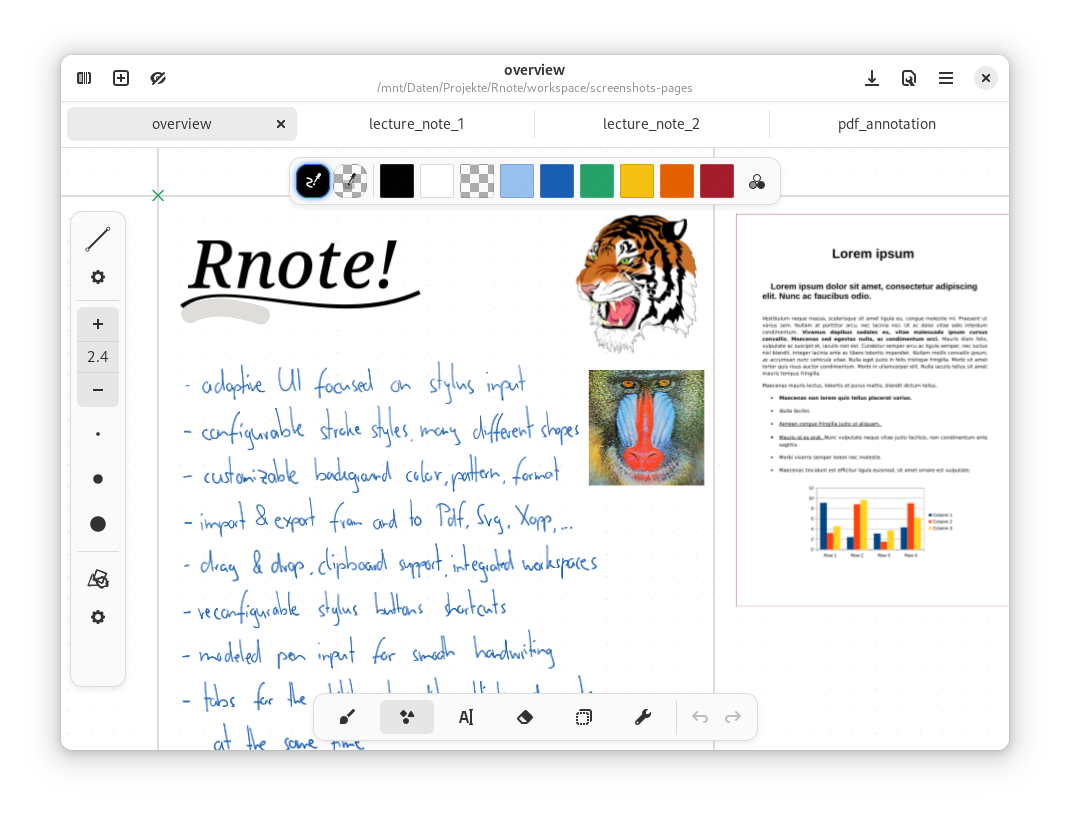
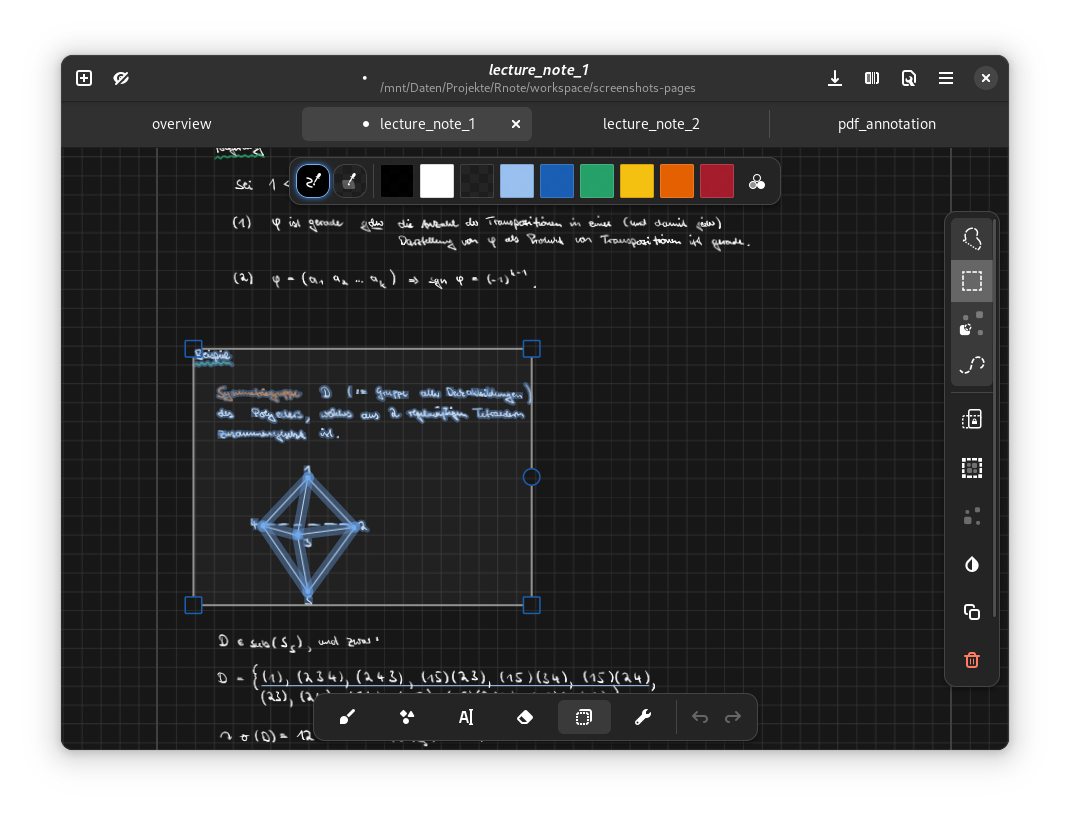
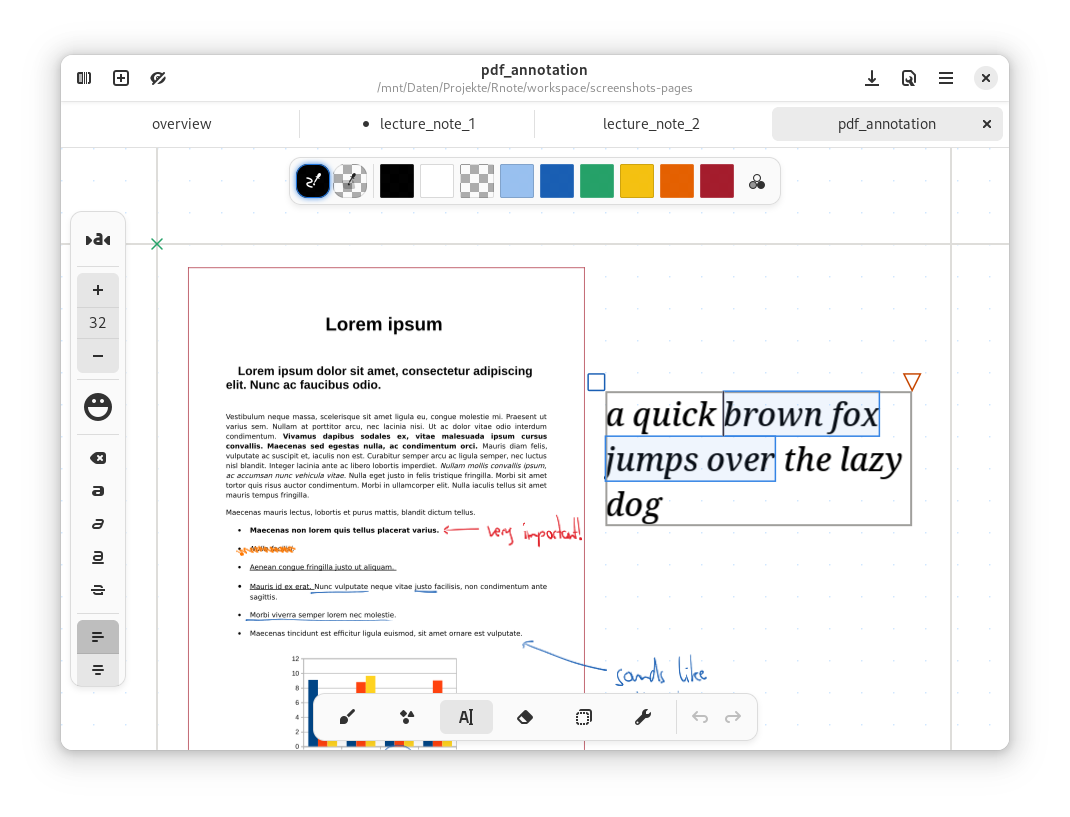
 Rnote is a free, open-source vector-based drawing app for sketching, taking handwritten notes, and annotating documents and pictures. It is written in Rust and GTK4.
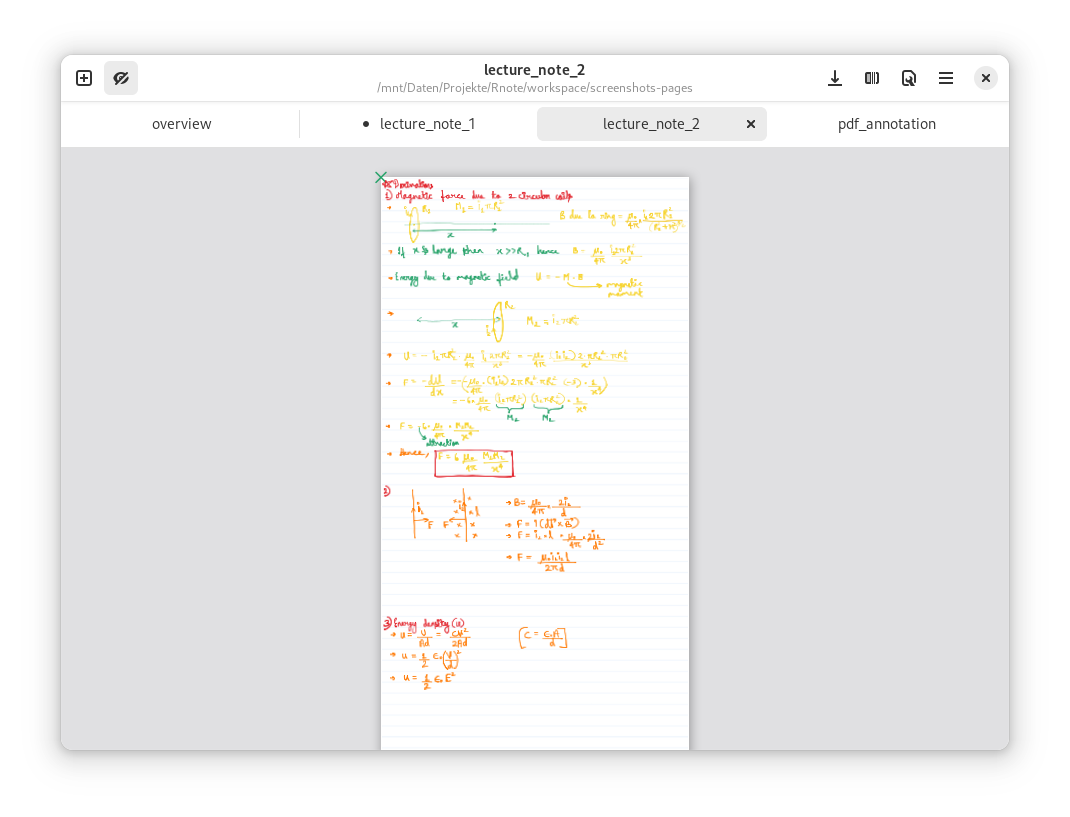
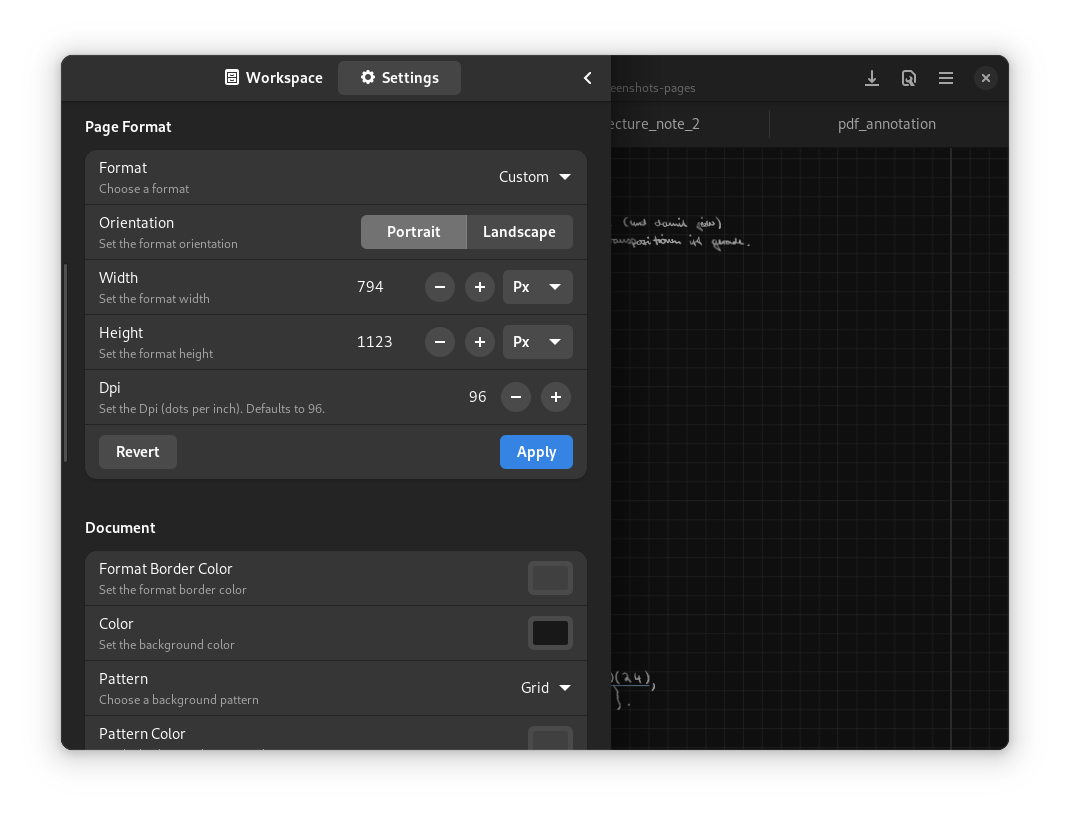
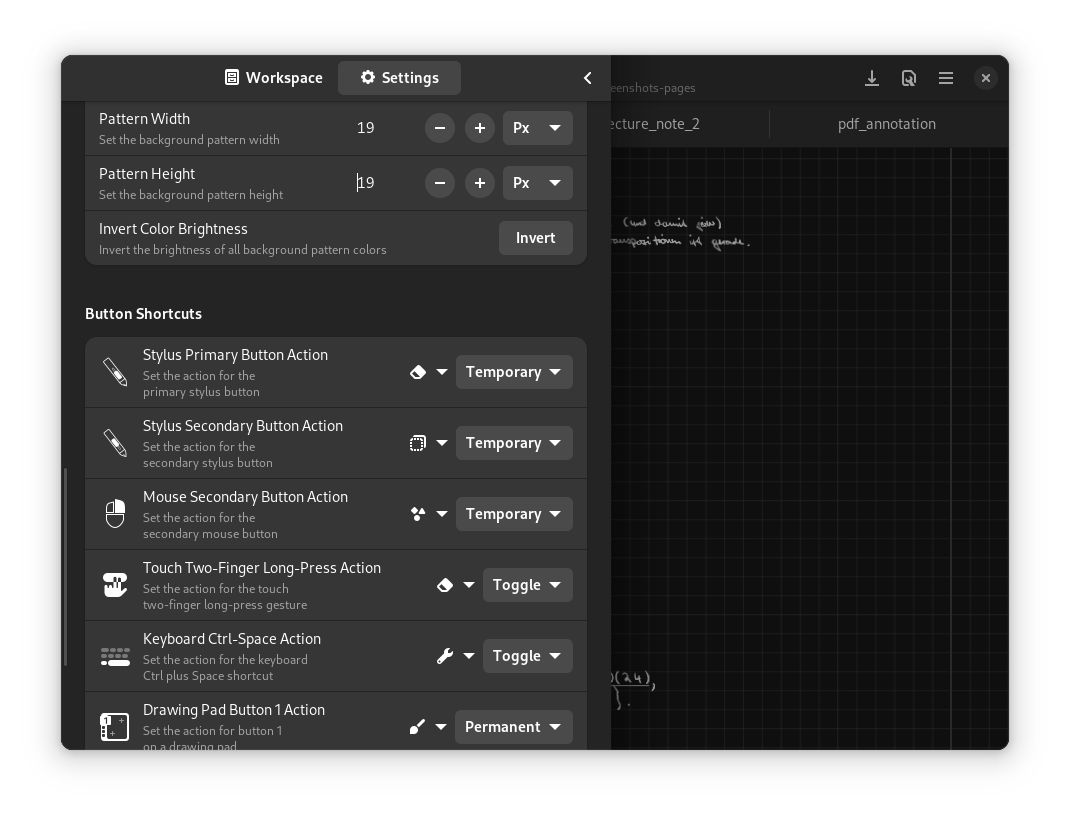
Rnote is a free, open-source vector-based drawing app for sketching, taking handwritten notes, and annotating documents and pictures. It is written in Rust and GTK4.So is it a sketching tool or a full note-taking app?Both, in one app: you draw and write freely on an infinite canvas, with selectable page layouts (fixed pages, continuous vertical, or infinite in every direction), customizable backgrounds, and tabs for working on several documents at once.
Both, in one app: you draw and write freely on an infinite canvas, with selectable page layouts (fixed pages, continuous vertical, or infinite in every direction), customizable backgrounds, and tabs for working on several documents at once.Do I need a drawing tablet to use it?It is built for students, teachers, and drawing tablet owners: the UI is focused on stylus input, with pressure-sensitive configurable strokes and remappable stylus buttons. A mouse works, but a stylus is what it is designed around.
It is built for students, teachers, and drawing tablet owners: the UI is focused on stylus input, with pressure-sensitive configurable strokes and remappable stylus buttons. A mouse works, but a stylus is what it is designed around.Any gotchas before I commit my notes to it?The native .rnote file format is still unstable and has had breaking changes at v0.2.0 through v0.5.0, so opening an old file may require downgrading to a previous version of Rnote.
The native .rnote file format is still unstable and has had breaking changes at v0.2.0 through v0.5.0, so opening an old file may require downgrading to a previous version of Rnote.Will it run on any Linux desktop?Not on X11 — it is unsupported there and stylus and touch input are known to be unreliable, so plan on a Wayland session. Stylus buttons and canvas panning also require libinput and libwacom to be installed and loaded.
Not on X11 — it is unsupported there and stylus and touch input are known to be unreliable, so plan on a Wayland session. Stylus buttons and canvas panning also require libinput and libwacom to be installed and loaded.What file formats can it import and export?It imports PDF, bitmap images, and SVG. Whole documents export to SVG, PDF, or Xopp, while single pages and selections export to SVG, PNG, or JPEG; saving uses the native .rnote format.
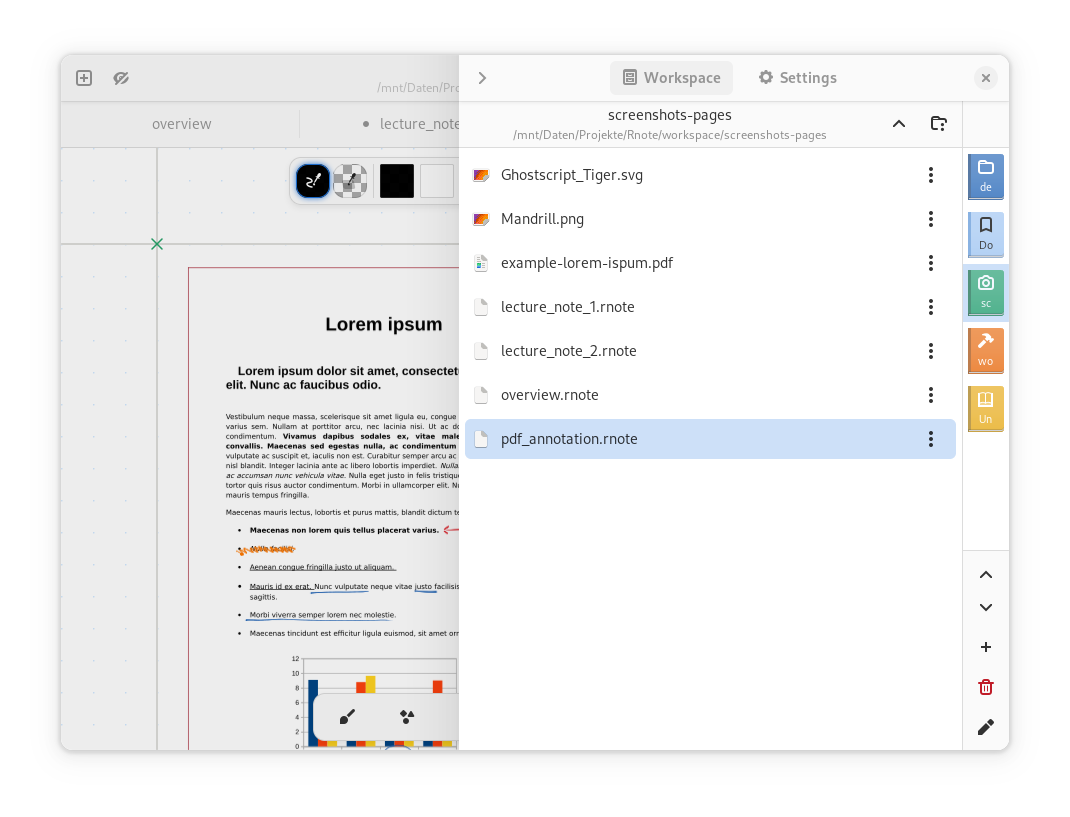
It imports PDF, bitmap images, and SVG. Whole documents export to SVG, PDF, or Xopp, while single pages and selections export to SVG, PNG, or JPEG; saving uses the native .rnote format.Which fonts come bundled with the app?Four: Grape Nuts (a casual handwritten font), OpenDyslexic (designed against common symptoms of dyslexia), TT2020 (a multilingual typewriter font), and Virgil — the font that powers Excalidraw.
Four: Grape Nuts (a casual handwritten font), OpenDyslexic (designed against common symptoms of dyslexia), TT2020 (a multilingual typewriter font), and Virgil — the font that powers Excalidraw.Is there a CLI for automating Rnote?Yes. A CLI tool provides basic handling of .rnote files for automation, and it is included in the Linux Flatpak.
Yes. A CLI tool provides basic handling of .rnote files for automation, and it is included in the Linux Flatpak.My pen's button sends an Eraser event and the shortcut settings do not apply — any fix?Some pens (like the HP MPP2.0 Tilt pen or the back of a Microsoft Surface Pen) emit an 'Eraser Tool' event that Rnote cannot natively remap. Workaround: hold the eraser button while switching pen styles — the Eraser mode remembers that style, and releasing returns to the previous one.
Some pens (like the HP MPP2.0 Tilt pen or the back of a Microsoft Surface Pen) emit an 'Eraser Tool' event that Rnote cannot natively remap. Workaround: hold the eraser button while switching pen styles — the Eraser mode remembers that style, and releasing returns to the previous one.What are similar projects?xournalpp, notesnook, juhradial-mx, ingetrazo, eww, vectorcraft, penguin-mail, easyread
xournalpp, notesnook, juhradial-mx, ingetrazo, eww, vectorcraft, penguin-mail, easyreadWhich topics is it in?infinite-canvas, notes-app, gtk4, gtk, drawing, annotations, vector-graphics, flatpak, notes, note-taking, svg, pdf
infinite-canvas, notes-app, gtk4, gtk, drawing, annotations, vector-graphics, flatpak, notes, note-taking, svg, pdf