



12.6K ·GitHub
What is this?
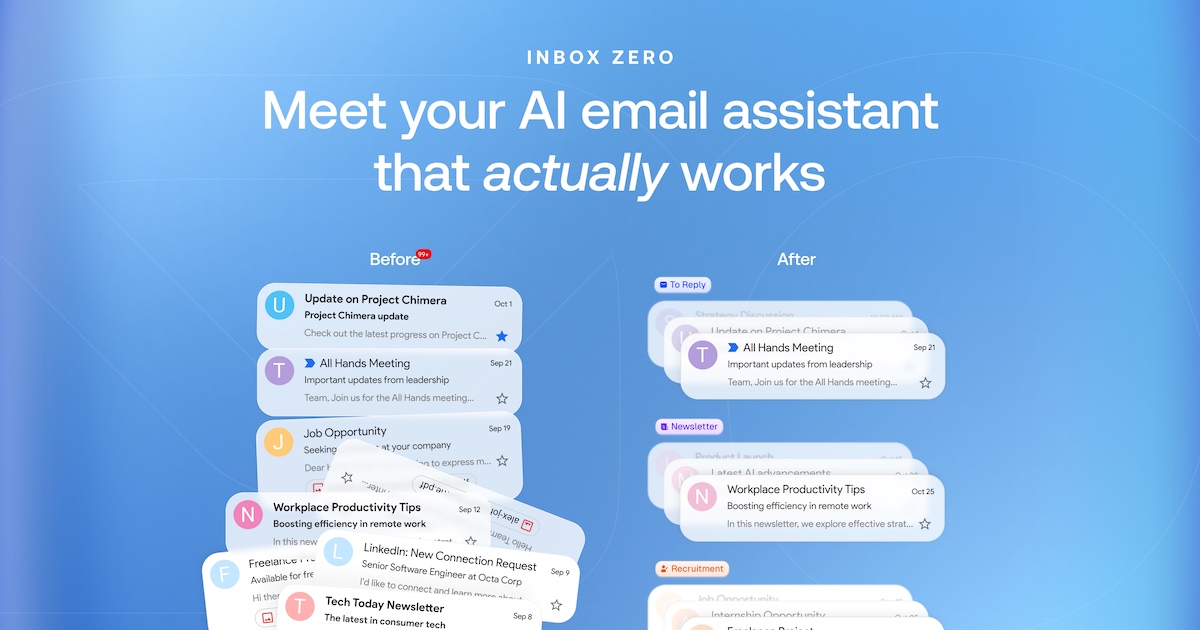
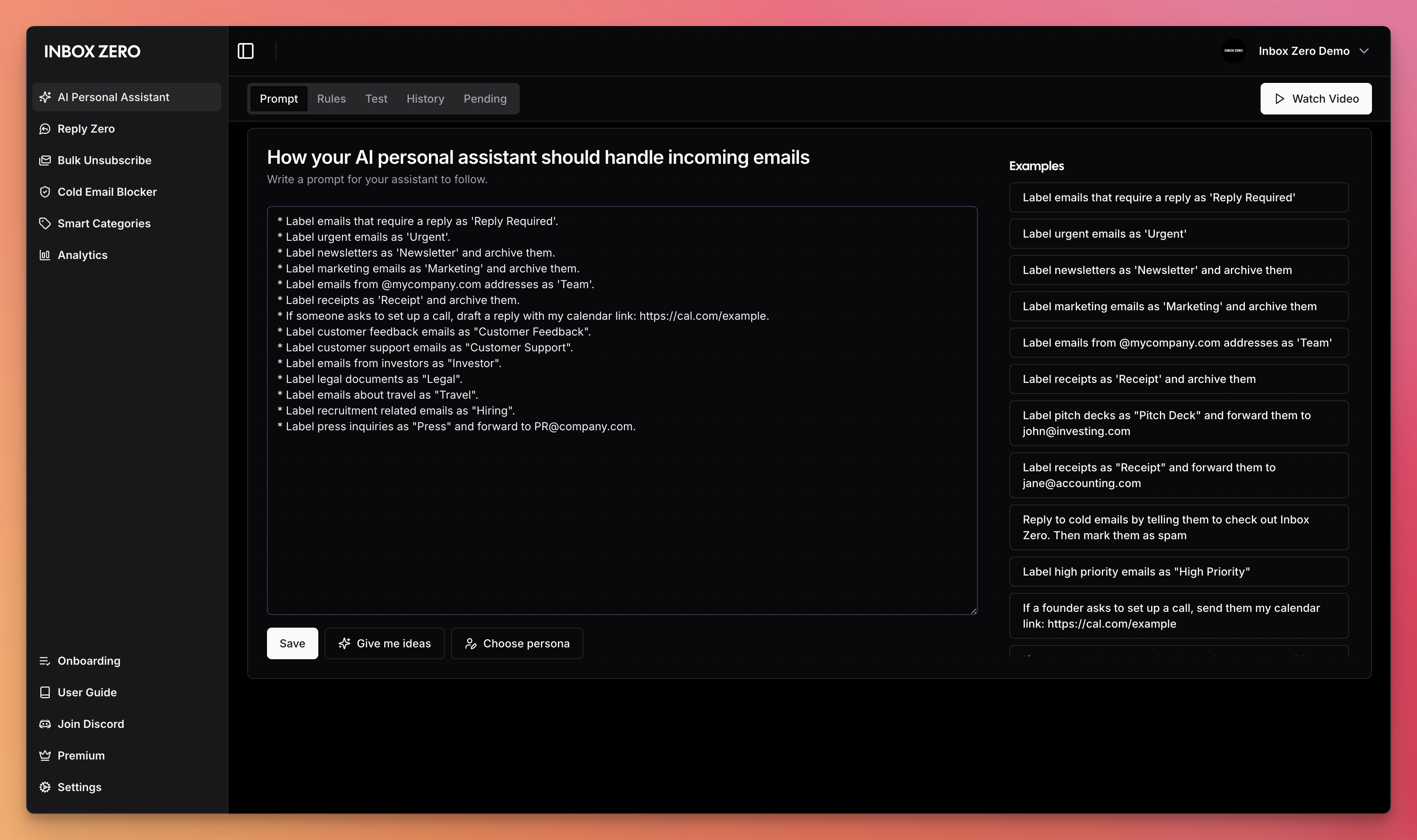
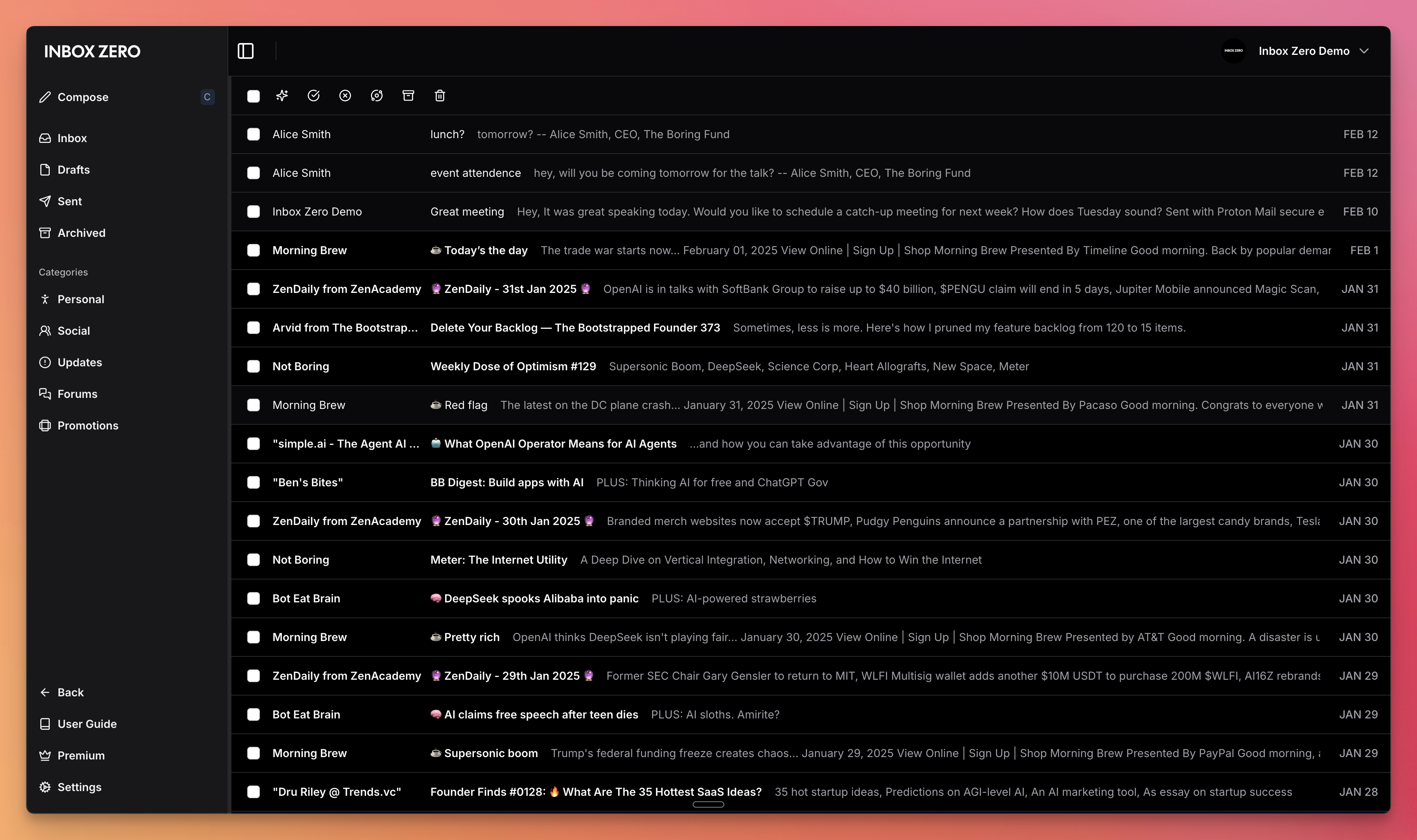
 Inbox Zero is an open-source AI personal assistant for email that organizes your inbox, pre-drafts replies in your tone, manages your calendar, and organizes attachments.
Inbox Zero is an open-source AI personal assistant for email that organizes your inbox, pre-drafts replies in your tone, manages your calendar, and organizes attachments.Is this a web app I run myself, or a hosted service?It is a self-hostable web app (built with Next.js) that you can run on your own infrastructure, but the team also offers a hosted version so you don't have to host it yourself.
It is a self-hostable web app (built with Next.js) that you can run on your own infrastructure, but the team also offers a hosted version so you don't have to host it yourself.How do I get it running?The fastest route is the official self-hosting CLI, which sets up the stack with Docker and Node.js v24+; alternatively you can skip hosting entirely and sign up at getinboxzero.com.
The fastest route is the official self-hosting CLI, which sets up the stack with Docker and Node.js v24+; alternatively you can skip hosting entirely and sign up at getinboxzero.com.What do I need installed before self-hosting it?Docker and Node.js v24+ for self-hosting; local development additionally needs pnpm v10+.
Docker and Node.js v24+ for self-hosting; local development additionally needs pnpm v10+.Is self-hosting a one-command setup?The CLI gets a basic instance running quickly, but production deployment, OAuth setup, and other configuration need to be done separately following the Self-Hosting Docs.
The CLI gets a basic instance running quickly, but production deployment, OAuth setup, and other configuration need to be done separately following the Self-Hosting Docs.Is my email data safer with this than with similar tools?It's pitched as an open-source alternative to Fyxer that's more customizable and more secure, largely because you can self-host it instead of handing your inbox to a closed SaaS.
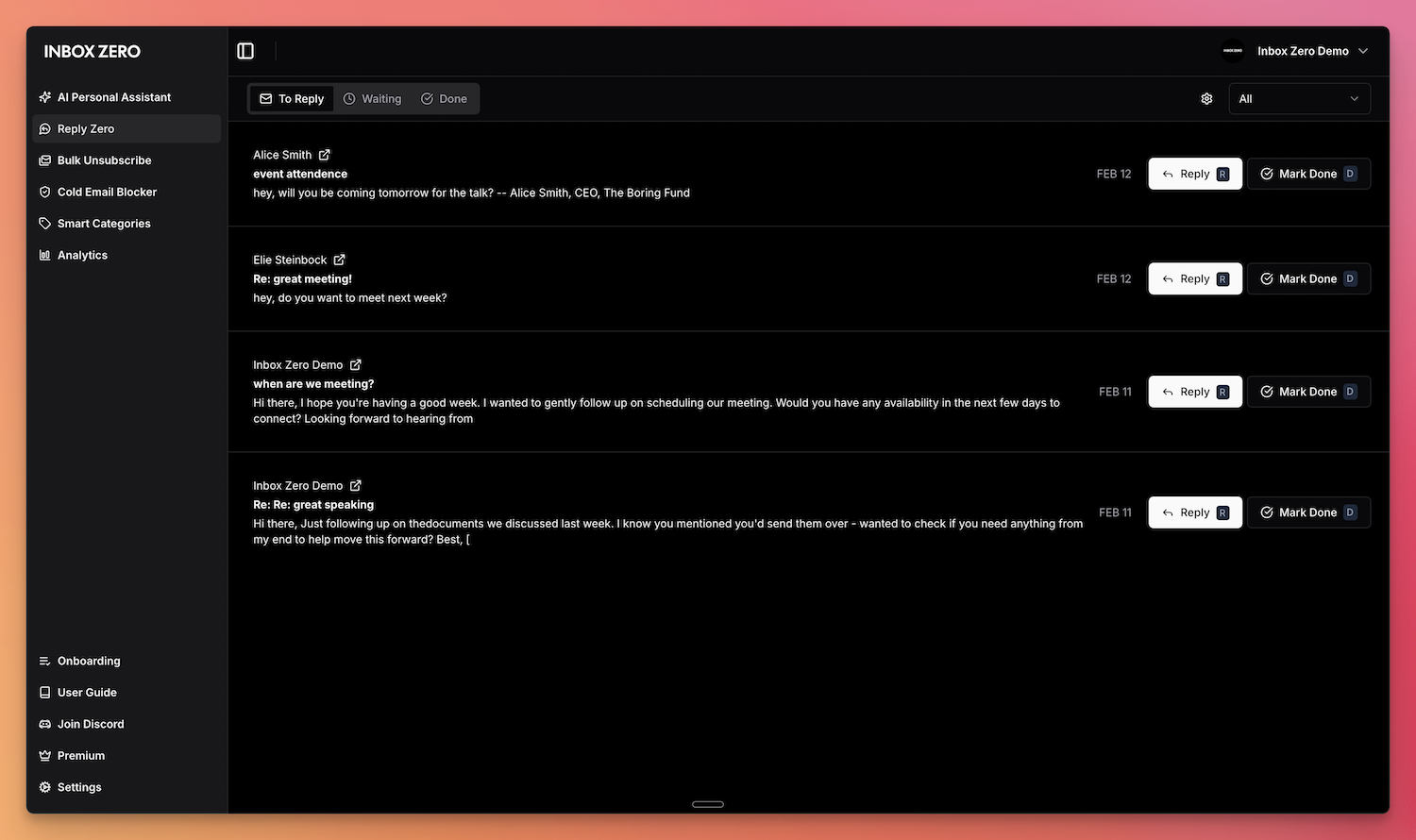
It's pitched as an open-source alternative to Fyxer that's more customizable and more secure, largely because you can self-host it instead of handing your inbox to a closed SaaS.What does Reply Zero do?It tracks which emails you still need to reply to and which ones are awaiting a response from the other person, so nothing falls through the cracks.
It tracks which emails you still need to reply to and which ones are awaiting a response from the other person, so nothing falls through the cracks.Can I manage my inbox without opening the app?Yes, you can chat with the AI assistant from Slack or Telegram to manage your inbox on the go without switching apps.
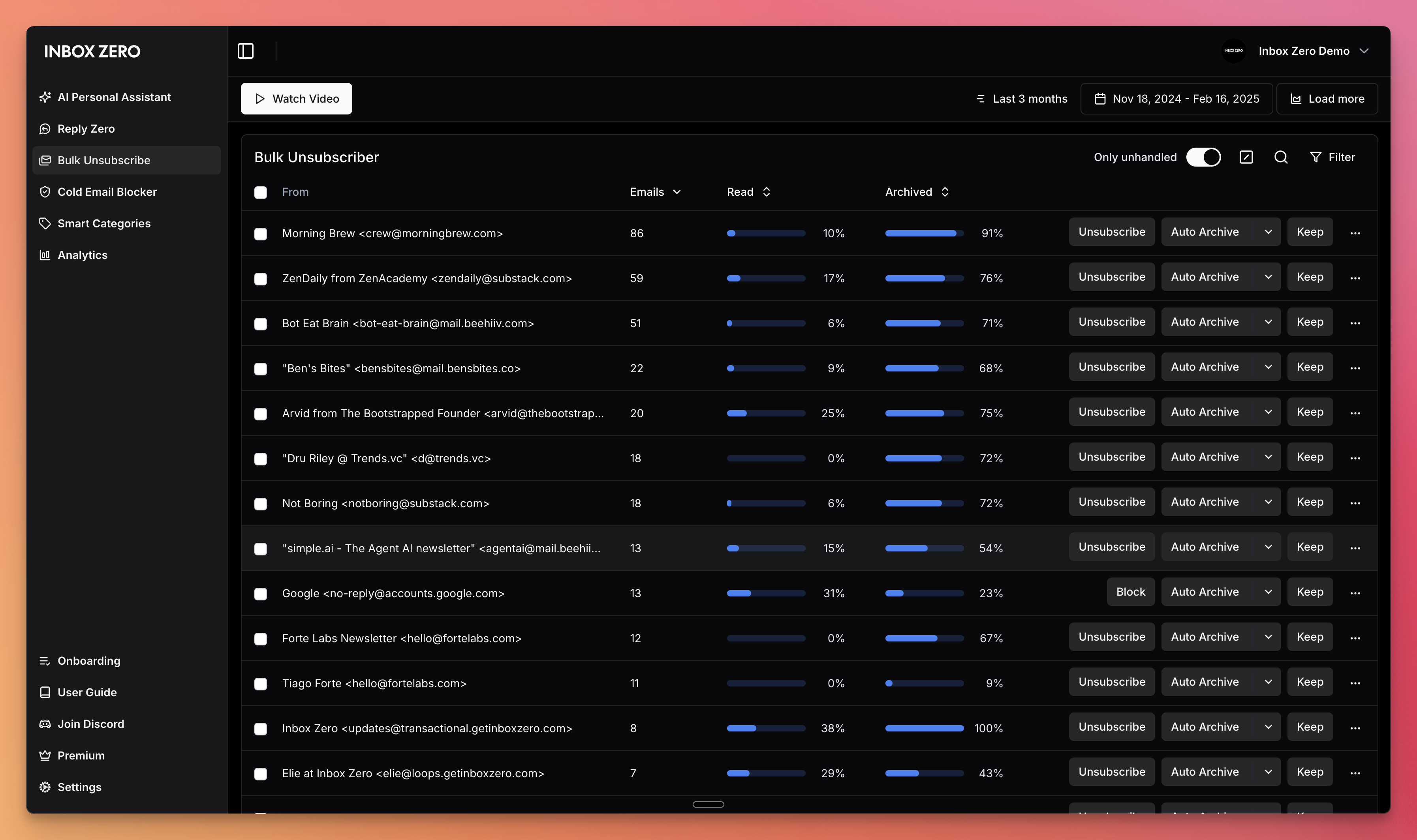
Yes, you can chat with the AI assistant from Slack or Telegram to manage your inbox on the go without switching apps.What happens to cold emails and unwanted newsletters?The Cold Email Blocker auto-blocks cold outreach, and the Bulk Unsubscriber lets you one-click unsubscribe and archive emails you never read.
The Cold Email Blocker auto-blocks cold outreach, and the Bulk Unsubscriber lets you one-click unsubscribe and archive emails you never read.Does it do anything with my calendar?It generates Meeting Briefs, personalized briefings before every meeting that pull context from both your email and your calendar.
It generates Meeting Briefs, personalized briefings before every meeting that pull context from both your email and your calendar.What are similar projects?dub, cal.diy, crm, OpenExecutive, Tel-Agent, nocobase, rankme.fast, job-ops
dub, cal.diy, crm, OpenExecutive, Tel-Agent, nocobase, rankme.fast, job-ops