


antigravity-claude-proxy README

The project's README from github.com/badrisnarayanan/antigravity-claude-proxy. As one markdown file: README.md.

Antigravity Claude Proxy

npm version npm downloads License: MIT

A proxy server that exposes an Anthropic-compatible API backed by Antigravity's Cloud Code, letting you use Claude and Gemini models with Claude Code CLI and OpenClaw / ClawdBot.

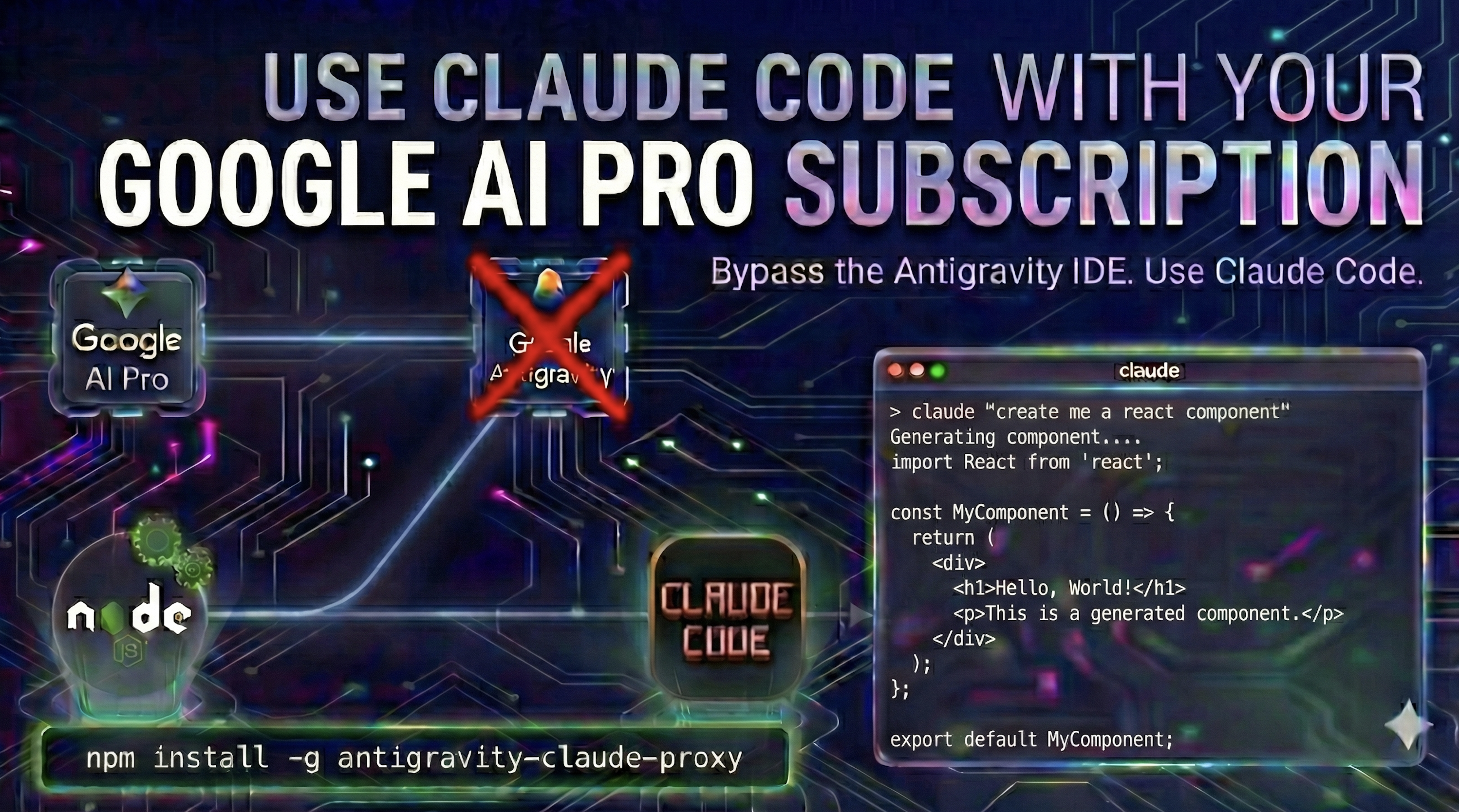
Antigravity Claude Proxy Banner

⚠️ WARNING: Google has been issuing ToS violation bans on accounts connected to this proxy. Use at your own risk.

⚠️ Terms of Service Warning — Read Before Installing

[!CAUTION] Using this proxy may violate Google's Terms of Service. A small number of users have reported their Google accounts being banned or shadow-banned (restricted access without explicit notification).

By using this proxy, you acknowledge:

  • This is an unofficial tool not endorsed by Google
  • Your account may be suspended or permanently banned
  • You assume all risks associated with using this proxy

Recommendation: Do not use your main account. Use a burner account instead, and optionally add it to your main account's family plan if needed.


How It Works

┌──────────────────┐     ┌─────────────────────┐     ┌────────────────────────────┐
│   Claude Code    │────▶│  This Proxy Server  │────▶│  Antigravity Cloud Code    │
│   (Anthropic     │     │  (Anthropic → Google│     │  (daily-cloudcode-pa.      │
│    API format)   │     │   Generative AI)    │     │   sandbox.googleapis.com)  │
└──────────────────┘     └─────────────────────┘     └────────────────────────────┘
  1. Receives requests in Anthropic Messages API format
  2. Uses OAuth tokens from added Google accounts (or Antigravity's local database)
  3. Transforms to Google Generative AI format with Cloud Code wrapping
  4. Sends to Antigravity's Cloud Code API
  5. Converts responses back to Anthropic format with full thinking/streaming support

Prerequisites


Installation

# Run directly with npx (no install needed)
npx antigravity-claude-proxy@latest start

# Or install globally
npm install -g antigravity-claude-proxy@latest
antigravity-claude-proxy start

Option 2: Clone Repository

git clone https://github.com/badri-s2001/antigravity-claude-proxy.git
cd antigravity-claude-proxy
npm install
npm start

Quick Start

1. Start the Proxy Server

# If installed globally
acc start
# or: antigravity-claude-proxy start

# If using npx
npx antigravity-claude-proxy@latest start

# If cloned locally
npm start

The server launches as a background process on http://localhost:8080 by default and survives terminal closure.

Command Description
acc start Launch proxy in the background
acc stop Shut down the proxy
acc restart Restart the proxy
acc status Check proxy health and PID
acc ui Open the web dashboard
acc start --log Run in foreground with visible logs

Choose one of the following methods to authorize the proxy:

  1. With the proxy running, open http://localhost:8080 in your browser.
  2. Navigate to the Accounts tab and click Add Account.
  3. Complete the Google OAuth authorization in the popup window.

Headless/Remote Servers: If running on a server without a browser, the WebUI supports a "Manual Authorization" mode. After clicking "Add Account", you can copy the OAuth URL, complete authorization on your local machine, and paste the authorization code back.

Method B: CLI (Desktop or Headless)

If you prefer the terminal or are on a remote server:

# Desktop (opens browser)
antigravity-claude-proxy accounts add

# Headless (Docker/SSH)
antigravity-claude-proxy accounts add --no-browser

For full CLI account management options, run antigravity-claude-proxy accounts --help.

Method C: Automatic (Antigravity Users)

If you have the Antigravity app installed and logged in, the proxy will automatically detect your local session. No additional setup is required.

To use a custom port:

PORT=3001 antigravity-claude-proxy start

3. Verify It's Working

# Health check
curl http://localhost:8080/health

# Check account status and quota limits
curl "http://localhost:8080/account-limits?format=table"

Using with Claude Code CLI

Configure Claude Code

You can configure these settings in two ways:

  1. Open the WebUI at http://localhost:8080.
  2. Go to Settings → Claude CLI.
  3. Use the Connection Mode toggle to switch between:
    • Proxy Mode: Uses the local proxy server (Antigravity Cloud Code). Configure models, base URL, and presets here.
    • Paid Mode: Uses the official Anthropic Credits directly (requires your own subscription). This hides proxy settings to prevent accidental misconfiguration.
  4. Click Apply to Claude CLI to save your changes.

[!TIP] > Configuration Precedence: System environment variables (set in shell profile like .zshrc) take precedence over the settings.json file. If you use the Web Console to manage settings, ensure you haven't manually exported conflicting variables in your terminal.

Manual Configuration

Create or edit the Claude Code settings file:

macOS: ~/.claude/settings.json Linux: ~/.claude/settings.json Windows: %USERPROFILE%\.claude\settings.json

Add this configuration:

{
  "env": {
    "ANTHROPIC_AUTH_TOKEN": "test",
    "ANTHROPIC_BASE_URL": "http://localhost:8080",
    "ANTHROPIC_MODEL": "claude-opus-4-6-thinking",
    "ANTHROPIC_DEFAULT_OPUS_MODEL": "claude-opus-4-6-thinking",
    "ANTHROPIC_DEFAULT_SONNET_MODEL": "claude-sonnet-4-6",
    "ANTHROPIC_DEFAULT_HAIKU_MODEL": "claude-sonnet-4-6",
    "CLAUDE_CODE_SUBAGENT_MODEL": "claude-sonnet-4-6",
    "ENABLE_EXPERIMENTAL_MCP_CLI": "true"
  }
}

Or to use Gemini models:

{
  "env": {
    "ANTHROPIC_AUTH_TOKEN": "test",
    "ANTHROPIC_BASE_URL": "http://localhost:8080",
    "ANTHROPIC_MODEL": "gemini-3.1-pro-low",
    "ANTHROPIC_DEFAULT_OPUS_MODEL": "gemini-3.1-pro-low",
    "ANTHROPIC_DEFAULT_SONNET_MODEL": "gemini-3.5-flash-low",
    "ANTHROPIC_DEFAULT_HAIKU_MODEL": "gemini-3.5-flash-low",
    "CLAUDE_CODE_SUBAGENT_MODEL": "gemini-3.5-flash-low",
    "ENABLE_EXPERIMENTAL_MCP_CLI": "true"
  }
}

Load Environment Variables

Add the proxy settings to your shell profile:

macOS / Linux:

echo 'export ANTHROPIC_BASE_URL="http://localhost:8080"' >> ~/.zshrc
echo 'export ANTHROPIC_AUTH_TOKEN="test"' >> ~/.zshrc
source ~/.zshrc

For Bash users, replace ~/.zshrc with ~/.bashrc

Windows (PowerShell):

Add-Content $PROFILE "`n`$env:ANTHROPIC_BASE_URL = 'http://localhost:8080'"
Add-Content $PROFILE "`$env:ANTHROPIC_AUTH_TOKEN = 'test'"
. $PROFILE

Windows (Command Prompt):

setx ANTHROPIC_BASE_URL "http://localhost:8080"
setx ANTHROPIC_AUTH_TOKEN "test"

Restart your terminal for changes to take effect.

Run Claude Code

# Make sure the proxy is running first
antigravity-claude-proxy start

# In another terminal, run Claude Code
claude

Note: If Claude Code asks you to select a login method, add "hasCompletedOnboarding": true to ~/.claude.json (macOS/Linux) or %USERPROFILE%\.claude.json (Windows), then restart your terminal and try again.

Proxy Mode vs. Paid Mode

Toggle in Settings → Claude CLI:

Feature 🔌 Proxy Mode 💳 Paid Mode
Backend Local Server (Antigravity) Official Anthropic Credits
Cost Free (Google Cloud) Paid (Anthropic Credits)
Models Claude + Gemini Claude Only

Paid Mode automatically clears proxy settings so you can use your official Anthropic account directly.

Multiple Claude Code Instances (Optional)

To run both the official Claude Code and Antigravity version simultaneously, add this alias:

macOS / Linux:

# Add to ~/.zshrc or ~/.bashrc
alias claude-antigravity='CLAUDE_CONFIG_DIR=~/.claude-account-antigravity ANTHROPIC_BASE_URL="http://localhost:8080" ANTHROPIC_AUTH_TOKEN="test" command claude'

Windows (PowerShell):

# Add to $PROFILE
function claude-antigravity {
    $env:CLAUDE_CONFIG_DIR = "$env:USERPROFILE\.claude-account-antigravity"
    $env:ANTHROPIC_BASE_URL = "http://localhost:8080"
    $env:ANTHROPIC_AUTH_TOKEN = "test"
    claude
}

Then run claude for official API or claude-antigravity for this proxy.

Running as a System Service (systemd)

When running as a systemd service, the proxy runs under a different user (e.g. root), so it can't find your Claude CLI settings at ~/.claude/settings.json. Set CLAUDE_CONFIG_PATH to point to the real user's .claude directory:

# /etc/systemd/system/antigravity-proxy.service
[Service]
Environment=CLAUDE_CONFIG_PATH=/home/youruser/.claude
ExecStart=/usr/bin/node /path/to/antigravity-claude-proxy/src/index.js

Without this, the WebUI's Claude CLI tab won't be able to read or write your Claude Code configuration.


Documentation


Credits

This project is based on insights and code from:


License

MIT


Buy Me A Coffee

Star History

Star History Chart

antigravity-claude-proxy (badrisnarayanan/antigravity-claude-proxy)

load-balancer
Searching Database…

What is this?This is a proxy server that exposes Antigravity's Claude and Gemini models through an Anthropic-compatible API, so you can use them inside Claude Code CLI and OpenClaw/ClawdBot.
Is this a library I import, or a standalone server I run?It's a standalone local server that runs as a background process, managed through CLI commands like 'acc start', 'acc stop', and 'acc status', plus a web dashboard for account management.
How do I get the proxy running?Install it via npm or by cloning the repository, run 'acc start' to launch it in the background, link a Google account through the web dashboard or CLI, then point Claude Code's settings.json at the local proxy URL.
Do I need the Antigravity app or a Google account to use it?You need Node.js 18 or later, plus either the Antigravity desktop app installed (single-account mode, auto-detected) or one or more Google accounts (multi-account mode).
Is it safe to connect my main Google account?No — Google has been issuing ToS violation bans and shadow-bans on accounts linked to this proxy, so the authors recommend using a burner account instead of your main one.
Does it work on Windows as well as macOS and Linux?Yes, it provides setup instructions and config file paths for macOS, Linux, and Windows (PowerShell and Command Prompt), including systemd service support on Linux.
What's the difference between Proxy Mode and Paid Mode?Proxy Mode routes requests through Antigravity's free Google Cloud backend and supports both Claude and Gemini models, while Paid Mode uses your own official Anthropic credits and only supports Claude.
Can I link more than one Google account?Yes, it supports multi-account mode with load balancing across the Google accounts you link to the proxy.
Can I run this as a background system service?Yes, it can run under systemd; since the service then runs as a different OS user, you need to set CLAUDECONFIGPATH to point at the real user's .claude directory so the WebUI can read and write Claude Code settings.
Did the author build this from scratch?No, it's built on ideas and code from 'opencode-antigravity-auth' (an Antigravity OAuth plugin for OpenCode) and 'claude-code-proxy' (an Anthropic API proxy using LiteLLM).
Size
12.6 MB
Stars
4K
Age
9mo
Commits · 90 Days