










What is this?
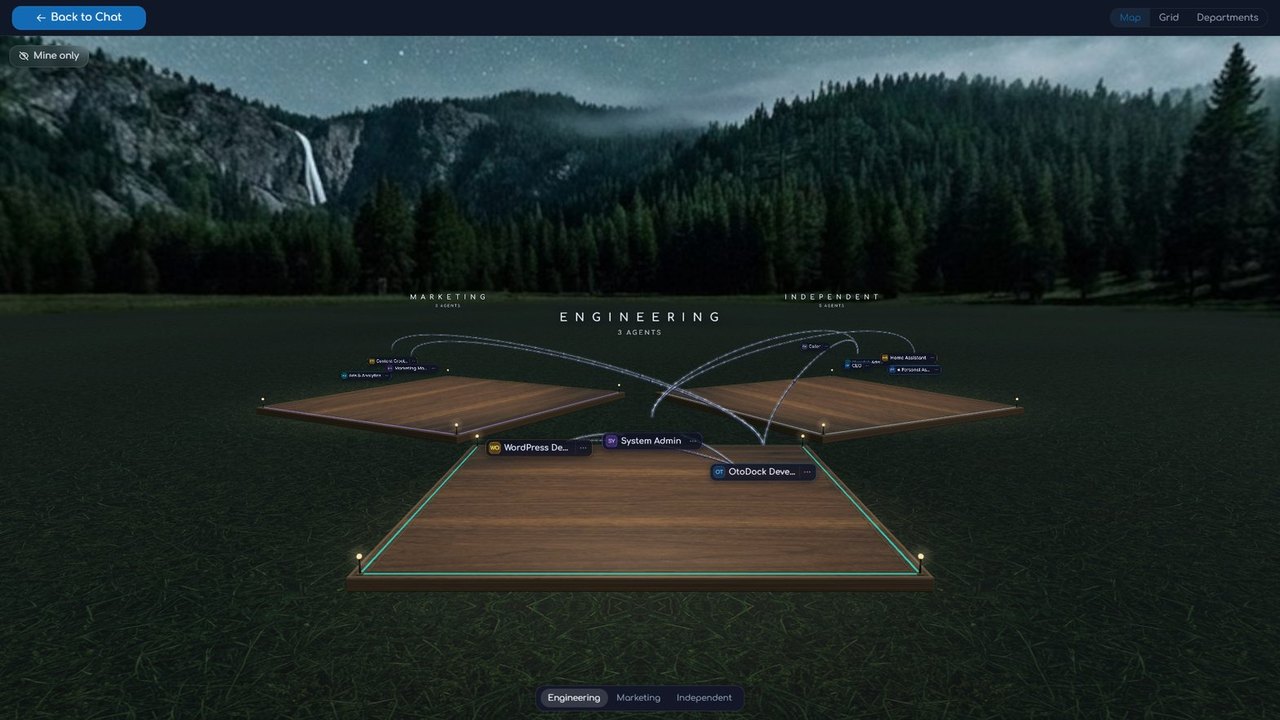
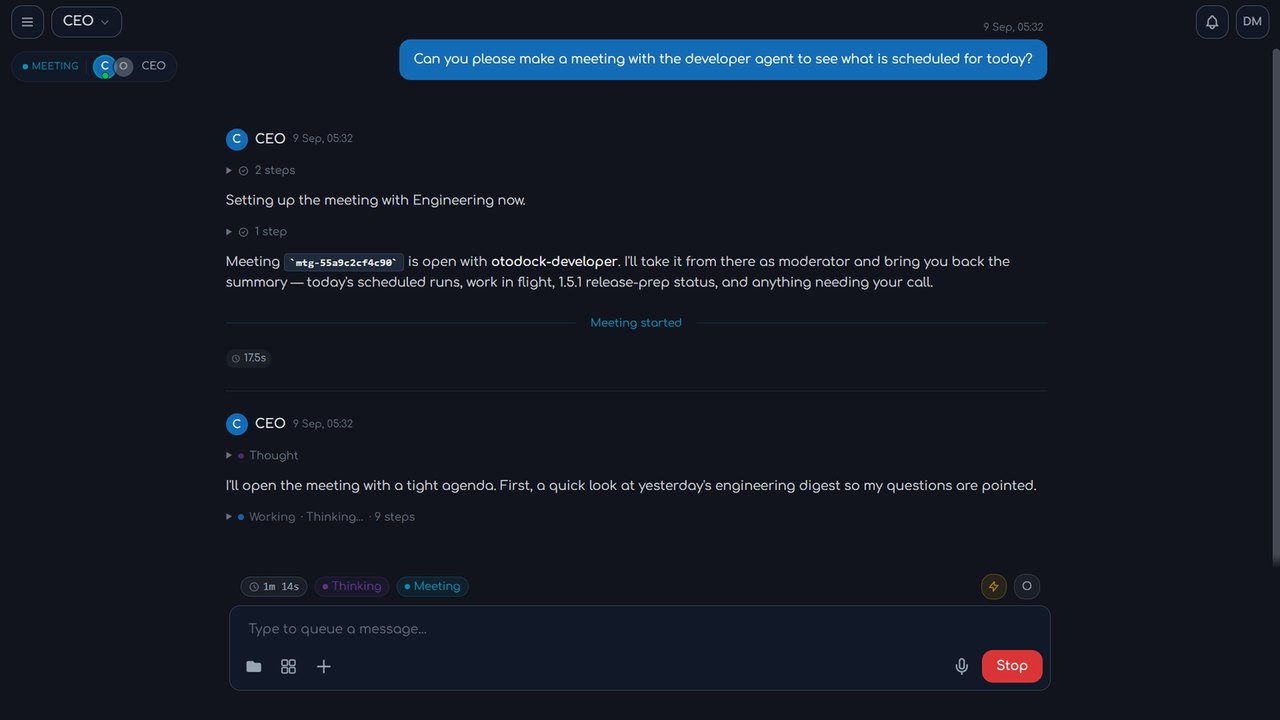
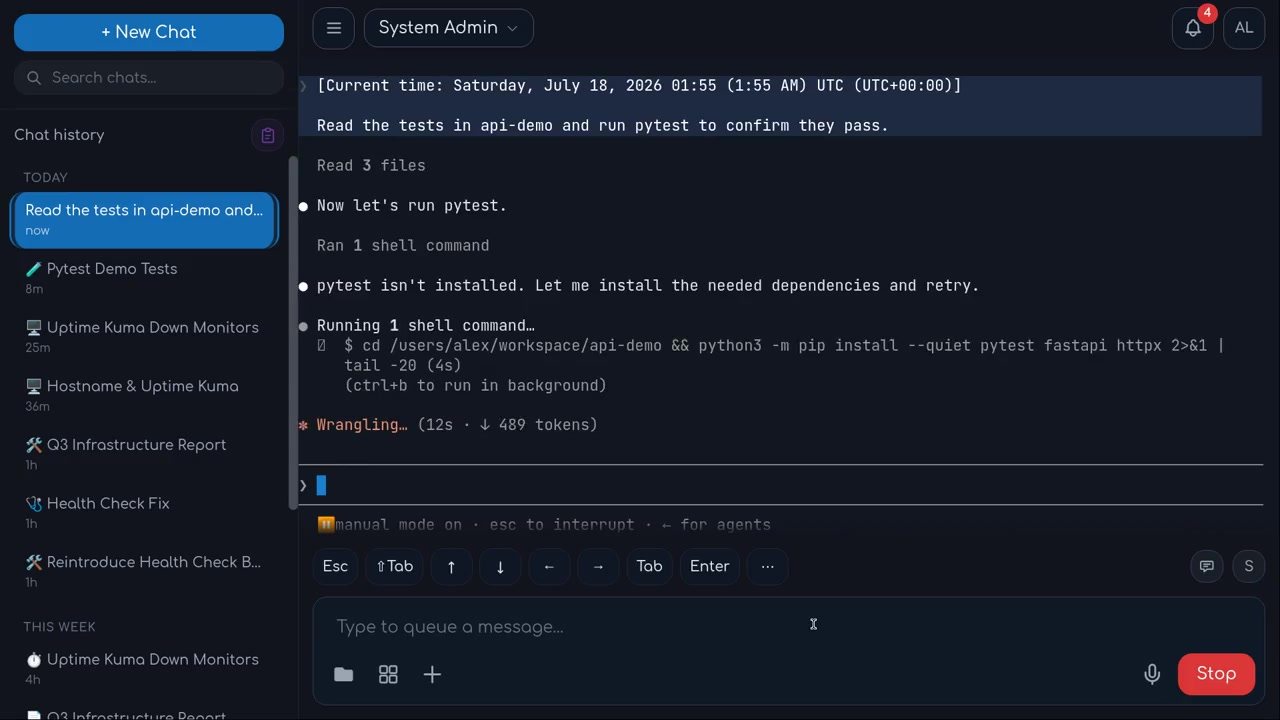
 OtoDock is a self-hosted platform for a company's AI agents: your team builds them on Claude Code, Codex or local models, and they work in chats, on schedules, over the phone and on your own machines.
OtoDock is a self-hosted platform for a company's AI agents: your team builds them on Claude Code, Codex or local models, and they work in chats, on schedules, over the phone and on your own machines.Is this a hosted service, or do I run it myself?You run it on your own server: agents live there in isolated sandboxes and everyone works with them through a web dashboard. You can also pair Mac, Windows or Linux machines so agents can use them directly.
You run it on your own server: agents live there in isolated sandboxes and everyone works with them through a web dashboard. You can also pair Mac, Windows or Linux machines so agents can use them directly.How do I get it running?On a Linux server with Docker (x86-64 or arm64, 4 GB RAM minimum), create a folder and run the installer script in it: it writes a .env, pulls a release-pinned docker-compose.yml and starts the stack. A setup wizard then creates your owner account and installs a first Personal Assistant.
On a Linux server with Docker (x86-64 or arm64, 4 GB RAM minimum), create a folder and run the installer script in it: it writes a .env, pulls a release-pinned docker-compose.yml and starts the stack. A setup wizard then creates your owner account and installs a first Personal Assistant.Do I need an Anthropic API key?No. Claude Code runs on your Anthropic subscription and Codex on your ChatGPT subscription, with each user connecting their own; local models on your own hardware work too, and you pick the engine per agent, switchable per chat.
No. Claude Code runs on your Anthropic subscription and Codex on your ChatGPT subscription, with each user connecting their own; local models on your own hardware work too, and you pick the engine per agent, switchable per chat.Any install pitfalls?The install script does fresh installs only — it stops rather than touch an existing one. If users browse to the server by name or IP, set DASHBOARDPUBLICURL in the generated .env, and TRUSTEDPROXY too when behind a reverse proxy.
The install script does fresh installs only — it stops rather than touch an existing one. If users browse to the server by name or IP, set DASHBOARDPUBLICURL in the generated .env, and TRUSTEDPROXY too when behind a reverse proxy.How does it keep agents from doing damage?Each server-side agent runs in a kernel sandbox with always-on network isolation: private ranges, your LAN and cloud metadata endpoints are unreachable. Credentials are encrypted at rest and injected per session, and SSO, 2FA and per-user cost budgets come standard.
Each server-side agent runs in a kernel sandbox with always-on network isolation: private ranges, your LAN and cloud metadata endpoints are unreachable. Credentials are encrypted at rest and injected per session, and SSO, 2FA and per-user cost budgets come standard.What does the fair-source license mean for my company?It is the Functional Source License v1.1 (FSL-1.1-Apache-2.0): use, modify and redistribute it for anything except competing with OtoDock, and each version becomes Apache 2.0 two years after release. Self-hosting is free for up to 5 users; larger teams license by seats.
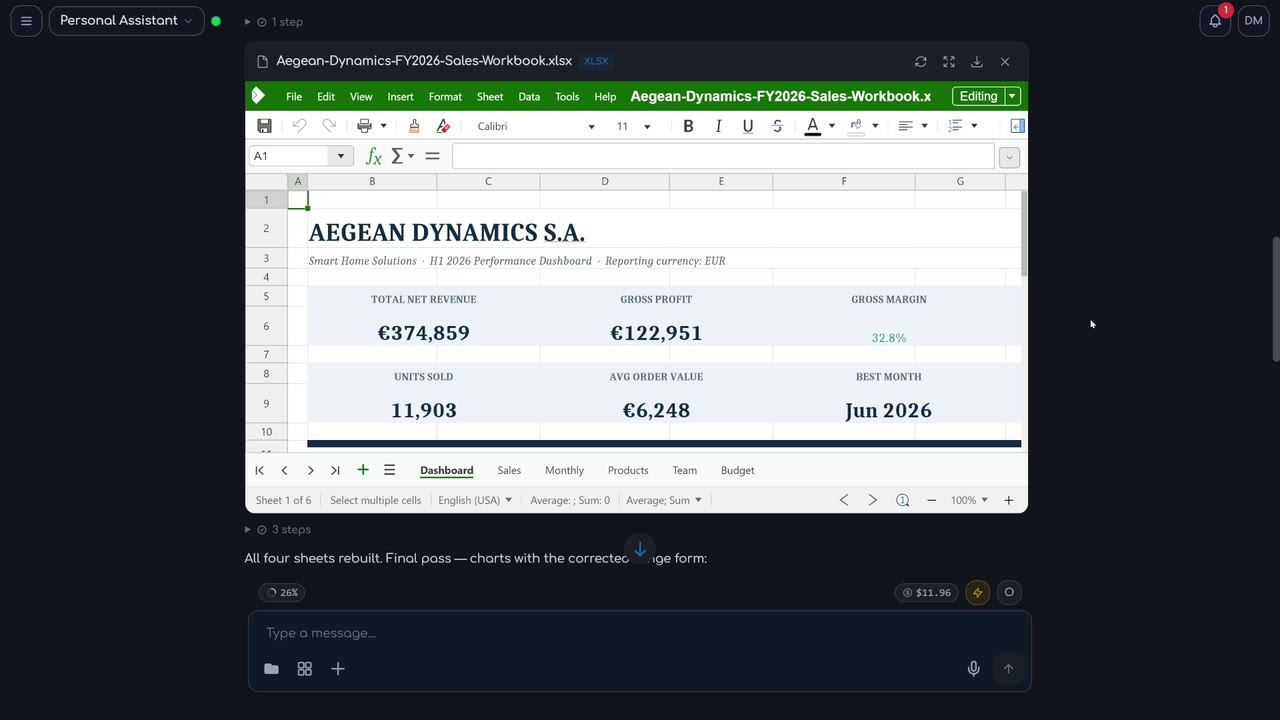
It is the Functional Source License v1.1 (FSL-1.1-Apache-2.0): use, modify and redistribute it for anything except competing with OtoDock, and each version becomes Apache 2.0 two years after release. Self-hosting is free for up to 5 users; larger teams license by seats.What can the agents do out of the box?A lot ships in the platform: agents create and edit Word, Excel, PowerPoint and PDF files in chat, generate and edit images, cut video with captions and music, transcribe audio, browse the live web, hold meetings, delegate to each other and make phone calls. A community catalog adds ready-made agents, tools and skills — GitHub, Notion, Home Assistant, Nextcloud, Prometheus, UniFi and Uptime Kuma among them — installable in one click.
A lot ships in the platform: agents create and edit Word, Excel, PowerPoint and PDF files in chat, generate and edit images, cut video with captions and music, transcribe audio, browse the live web, hold meetings, delegate to each other and make phone calls. A community catalog adds ready-made agents, tools and skills — GitHub, Notion, Home Assistant, Nextcloud, Prometheus, UniFi and Uptime Kuma among them — installable in one click.What is an agent made of?Six editable parts: a Persona (plain-language instructions), Memory that persists across chats, a Workspace folder where everyday work lands, Knowledge (reference documents), Skills it has learned, and the Tools it is allowed to use.
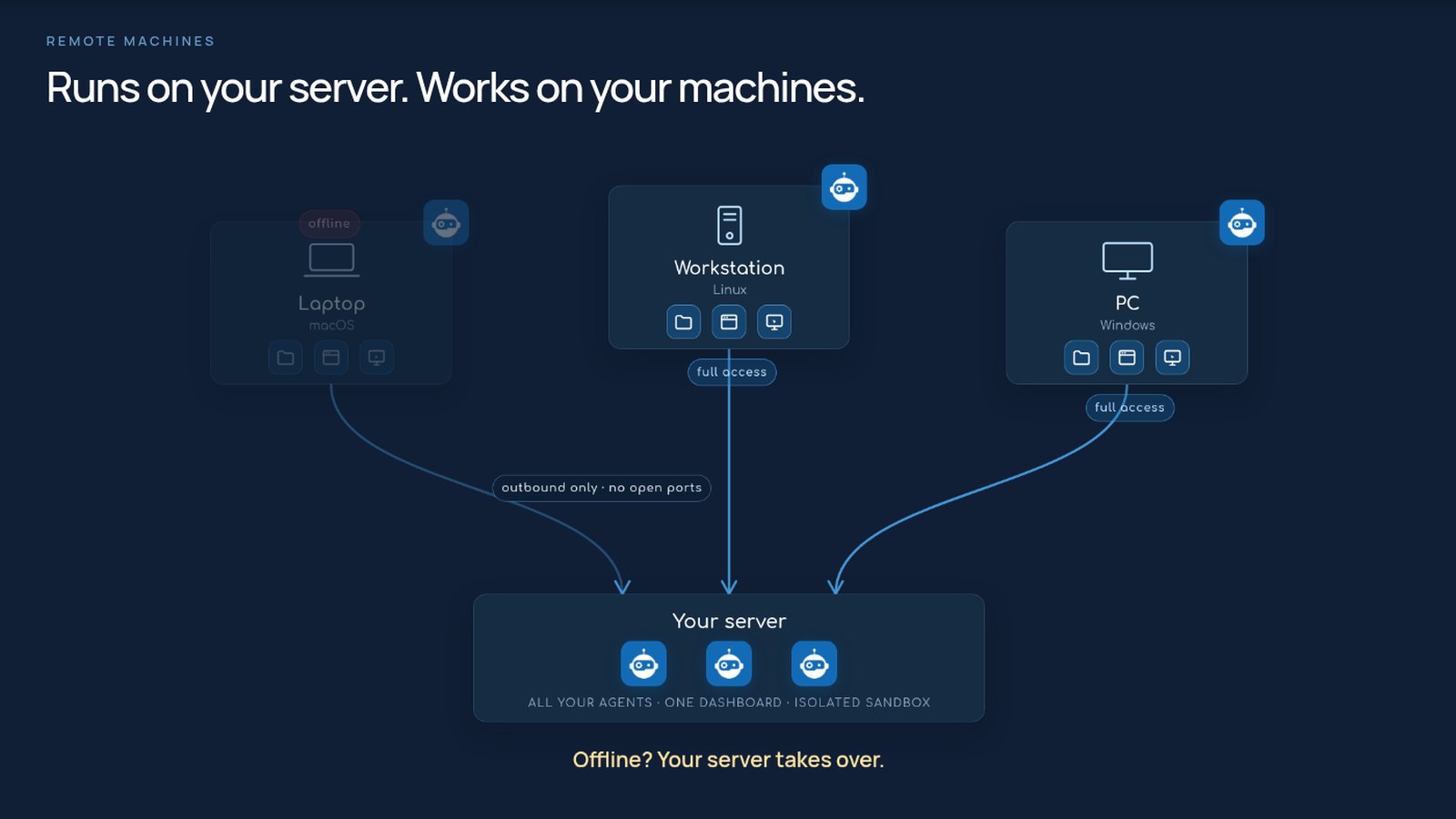
Six editable parts: a Persona (plain-language instructions), Memory that persists across chats, a Workspace folder where everyday work lands, Knowledge (reference documents), Skills it has learned, and the Tools it is allowed to use.Can an agent work directly on my laptop or workstation?Yes. Pair a macOS, Linux or Windows machine with a one-line install: it keeps a single outbound connection to your server, so no open ports are needed, its files stay in sync, and the same agent with all its tools runs there with full access. If the machine goes offline, the server takes over.
Yes. Pair a macOS, Linux or Windows machine with a one-line install: it keeps a single outbound connection to your server, so no open ports are needed, its files stay in sync, and the same agent with all its tools runs there with full access. If the machine goes offline, the server takes over.Why did the author build this?It started with Claude Code: Dimitris Mourtzis wanted to use it beyond the terminal and connect it to his services, so he built the platform around that idea. Large parts of OtoDock were built, tested and shipped by agents running on OtoDock itself.
It started with Claude Code: Dimitris Mourtzis wanted to use it beyond the terminal and connect it to his services, so he built the platform around that idea. Large parts of OtoDock were built, tested and shipped by agents running on OtoDock itself.What are similar projects?ruflo, open-multi-agent, AionUi, hermes-agent, suna, brigade, Observal, Raven
ruflo, open-multi-agent, AionUi, hermes-agent, suna, brigade, Observal, RavenWhich topics is it in?fair-source, voip, scheduling, agent-tools, vps, homelab, fastapi, collaboration, chat, memory, sandbox, local-llm
fair-source, voip, scheduling, agent-tools, vps, homelab, fastapi, collaboration, chat, memory, sandbox, local-llm