 Steam Economy Enhancer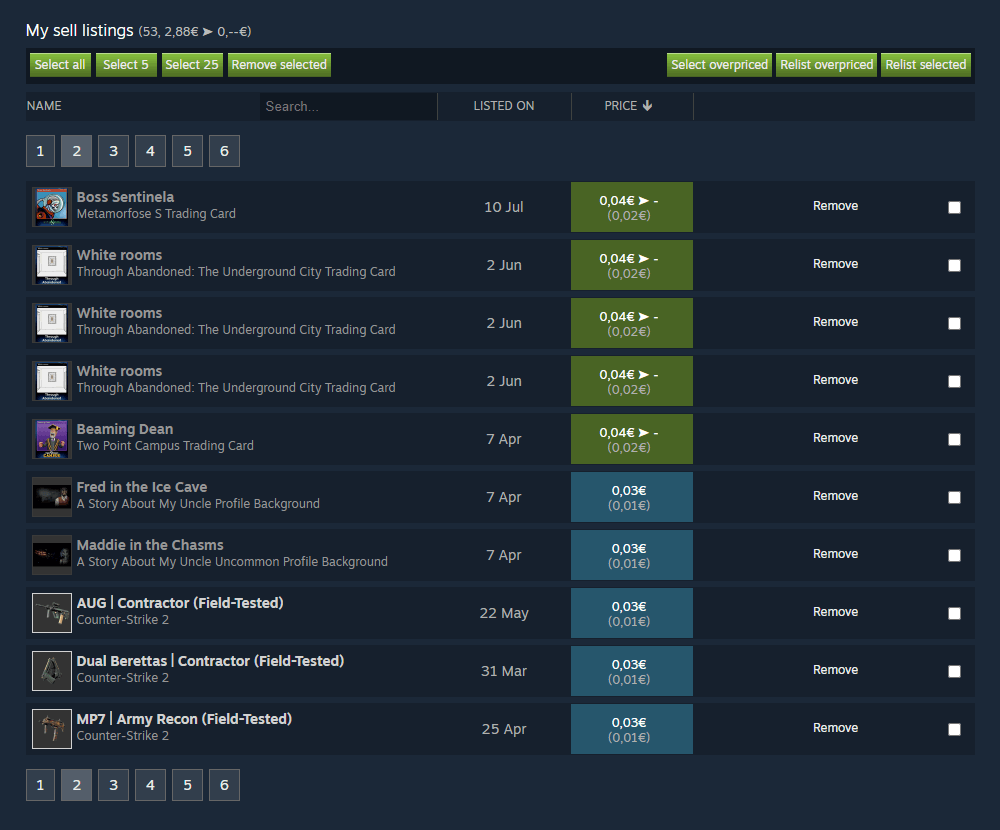
What is this?
 Steam Economy Enhancer is a free userscript that adds features to the Steam Inventory, Steam Market, and Steam Tradeoffers pages, like overpriced item detection, auto-relisting, and quick selling.
Steam Economy Enhancer is a free userscript that adds features to the Steam Inventory, Steam Market, and Steam Tradeoffers pages, like overpriced item detection, auto-relisting, and quick selling.Is this a browser extension or something else?It's a userscript (not a standalone extension) that runs inside a userscript manager extension like Violentmonkey, injecting new buttons and panels into Steam's web pages.
It's a userscript (not a standalone extension) that runs inside a userscript manager extension like Violentmonkey, injecting new buttons and panels into Steam's web pages.Do I need anything besides a browser?Yes, you need the Violentmonkey userscript manager installed in your browser before adding this script.
Yes, you need the Violentmonkey userscript manager installed in your browser before adding this script.Is there support if something breaks?No, the project is free but offers no official support; you can submit a PR if you want to add functionality.
No, the project is free but offers no official support; you can submit a PR if you want to add functionality.Does it work on any browser, or just one?Since it runs through Violentmonkey, it works on any browser Violentmonkey supports (e.g. Chrome, Firefox, Edge), not a specific OS.
Since it runs through Violentmonkey, it works on any browser Violentmonkey supports (e.g. Chrome, Firefox, Edge), not a specific OS.What does it add to the Steam Market?It detects overpriced and underpriced items, lets you bulk-select and remove listings, auto-relists overpriced items, and sorts/searches by name, price, or date.
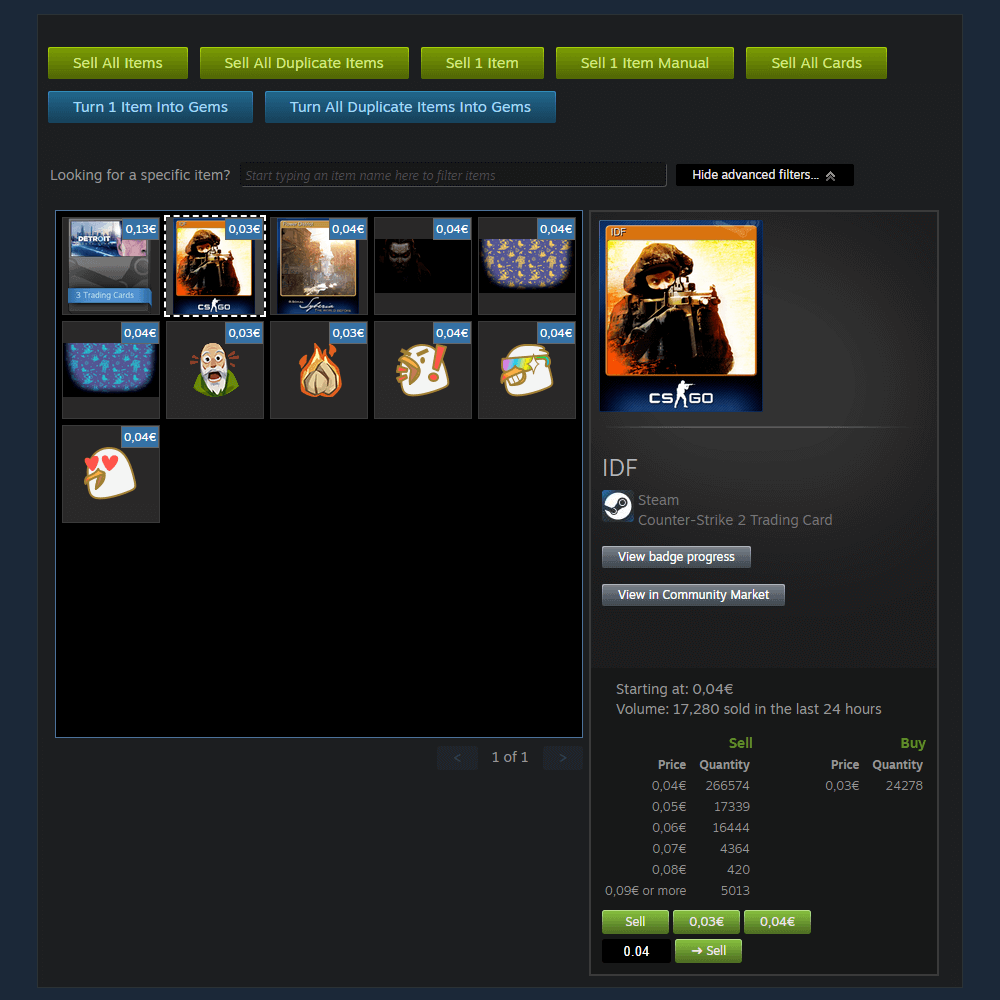
It detects overpriced and underpriced items, lets you bulk-select and remove listings, auto-relists overpriced items, and sorts/searches by name, price, or date.What does it add to the Steam Inventory?It lets you sell all or selected items/trading cards automatically, select multiple items with Shift/Ctrl, quick-sell without confirmation dialogs, see the lowest listed price per item, turn items into gems, and unpack booster packs.
It lets you sell all or selected items/trading cards automatically, select multiple items with Shift/Ctrl, quick-sell without confirmation dialogs, see the lowest listed price per item, turn items into gems, and unpack booster packs.What does it add to Steam Tradeoffers?It shows a summary of items from both parties (total count, unique items, and per-item breakdown), lets you select all items on the current page, and displays the lowest listed price for inventory items.
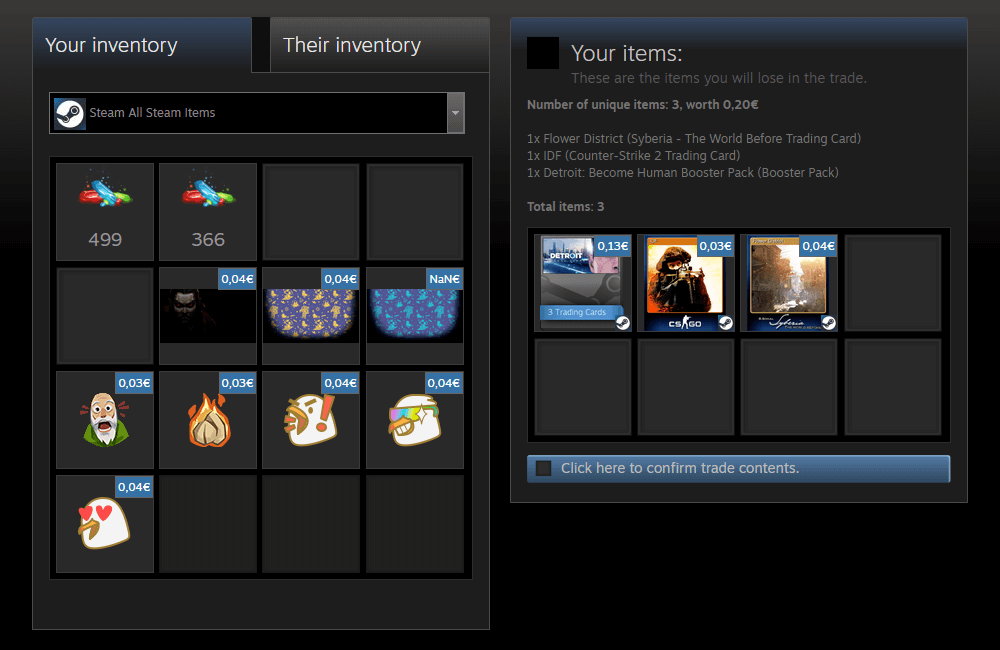
It shows a summary of items from both parties (total count, unique items, and per-item breakdown), lets you select all items on the current page, and displays the lowest listed price for inventory items.How does it price items?Pricing can be based on the lowest listed price, the price history, or your own custom min/max prices, configurable in the script's settings near the Install Steam button.
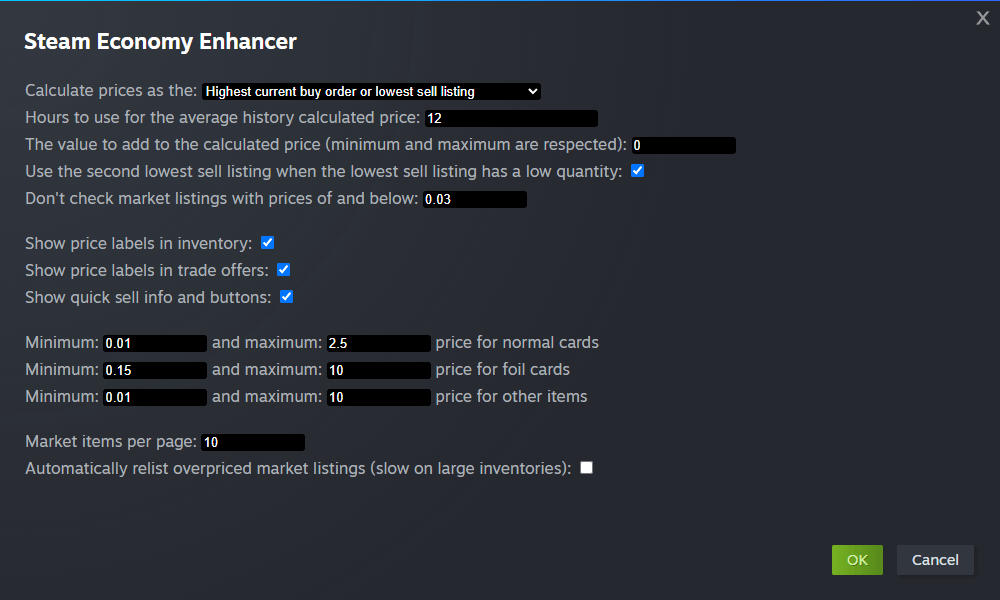
Pricing can be based on the lowest listed price, the price history, or your own custom min/max prices, configurable in the script's settings near the Install Steam button.What are similar projects?UserScript, Telegram-Media-Downloader, Bilibili-Evolved, TwitchAdSolutions, playwright, puppeteer, ext-saladict, cat-catch
UserScript, Telegram-Media-Downloader, Bilibili-Evolved, TwitchAdSolutions, playwright, puppeteer, ext-saladict, cat-catchWhich topics is it in?inventory-management, userscript, steam, firefox, marketplace, trading, chrome, gaming, browser, productivity, free, automation
inventory-management, userscript, steam, firefox, marketplace, trading, chrome, gaming, browser, productivity, free, automation