


What is this?
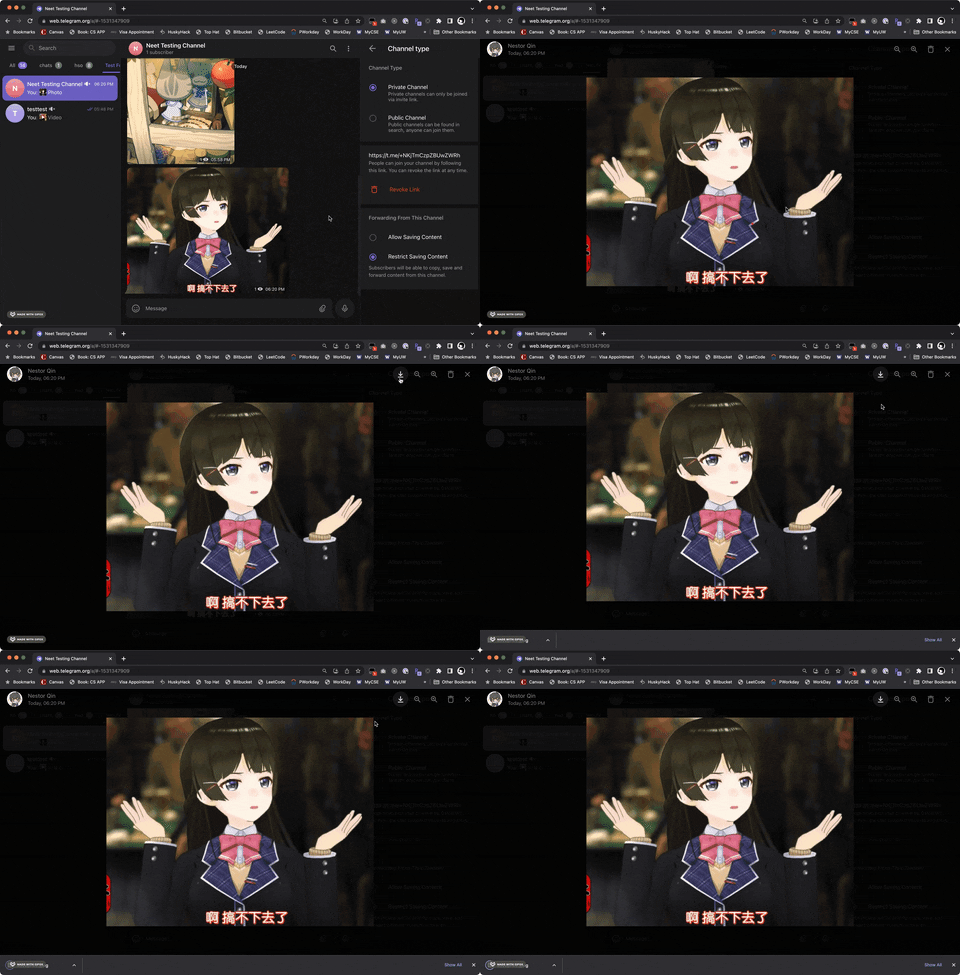
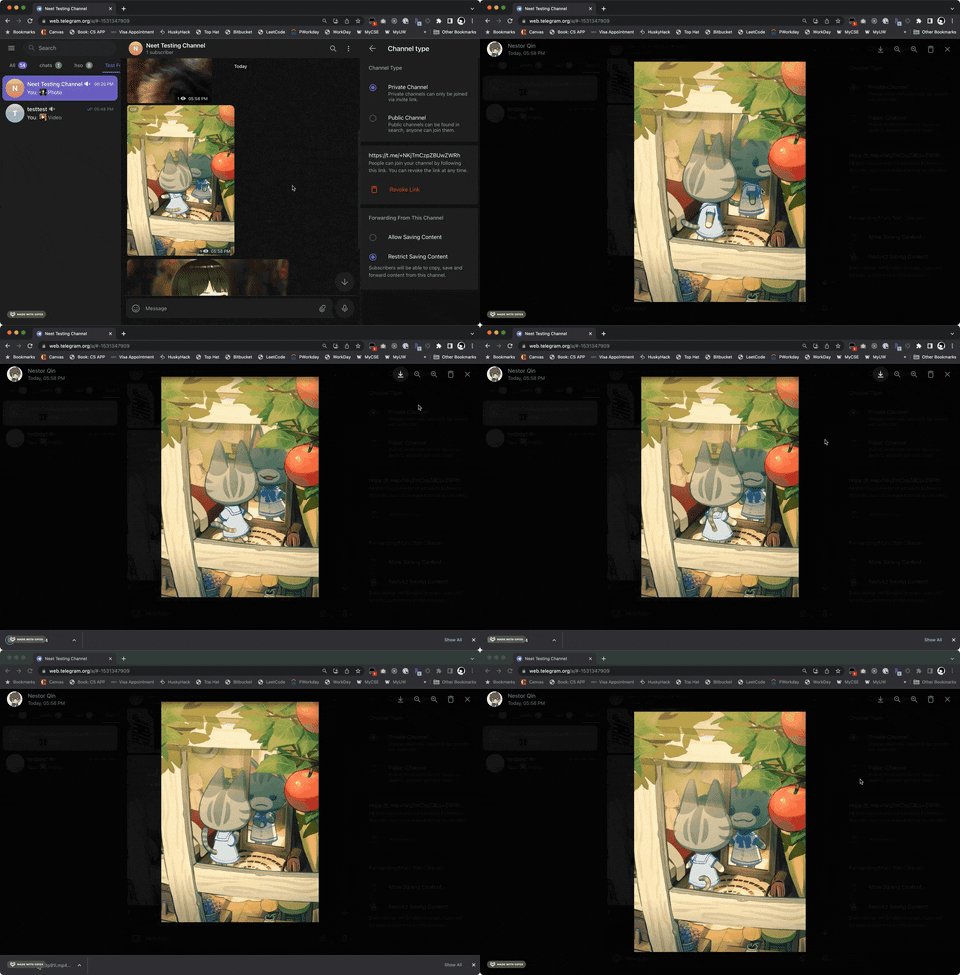
 A userscript that restores the download button for images, GIFs, audios and videos on Telegram Web when a chat or channel has disabled content saving.
A userscript that restores the download button for images, GIFs, audios and videos on Telegram Web when a chat or channel has disabled content saving.Is this a browser extension or a userscript I run inside one?It is a userscript (not a standalone extension): you need a userscript manager like Tampermonkey, Violentmonkey or Greasemonkey installed in your browser, then install this script into it.
It is a userscript (not a standalone extension): you need a userscript manager like Tampermonkey, Violentmonkey or Greasemonkey installed in your browser, then install this script into it.How do I install and set it up?Install a userscript manager (Tampermonkey/Violentmonkey/Greasemonkey depending on browser), then either install the script from its Greasy Fork page, or manually drag-and-drop src/teldownload.js into the Tampermonkey dashboard and click install.
Install a userscript manager (Tampermonkey/Violentmonkey/Greasemonkey depending on browser), then either install the script from its Greasy Fork page, or manually drag-and-drop src/teldownload.js into the Tampermonkey dashboard and click install.Which browsers and script managers are supported?Works with Chrome, Firefox, Safari, Microsoft Edge, Opera and Maxthon, each paired with a compatible manager: Tampermonkey or Violentmonkey (plus Greasemonkey/Userscripts on some browsers).
Works with Chrome, Firefox, Safari, Microsoft Edge, Opera and Maxthon, each paired with a compatible manager: Tampermonkey or Violentmonkey (plus Greasemonkey/Userscripts on some browsers).Does it work for every Telegram chat and feature?It only adds a download button back where saving is restricted; chats that already allow downloads are unaffected, and some features like voice message downloads only work on the 'K' webapp version.
It only adds a download button back where saving is restricted; chats that already allow downloads are unaffected, and some features like voice message downloads only work on the 'K' webapp version.Does it work on Telegram's desktop app or only the web version?It only works on Telegram Web (the webapp in the browser), not the native desktop or mobile apps.
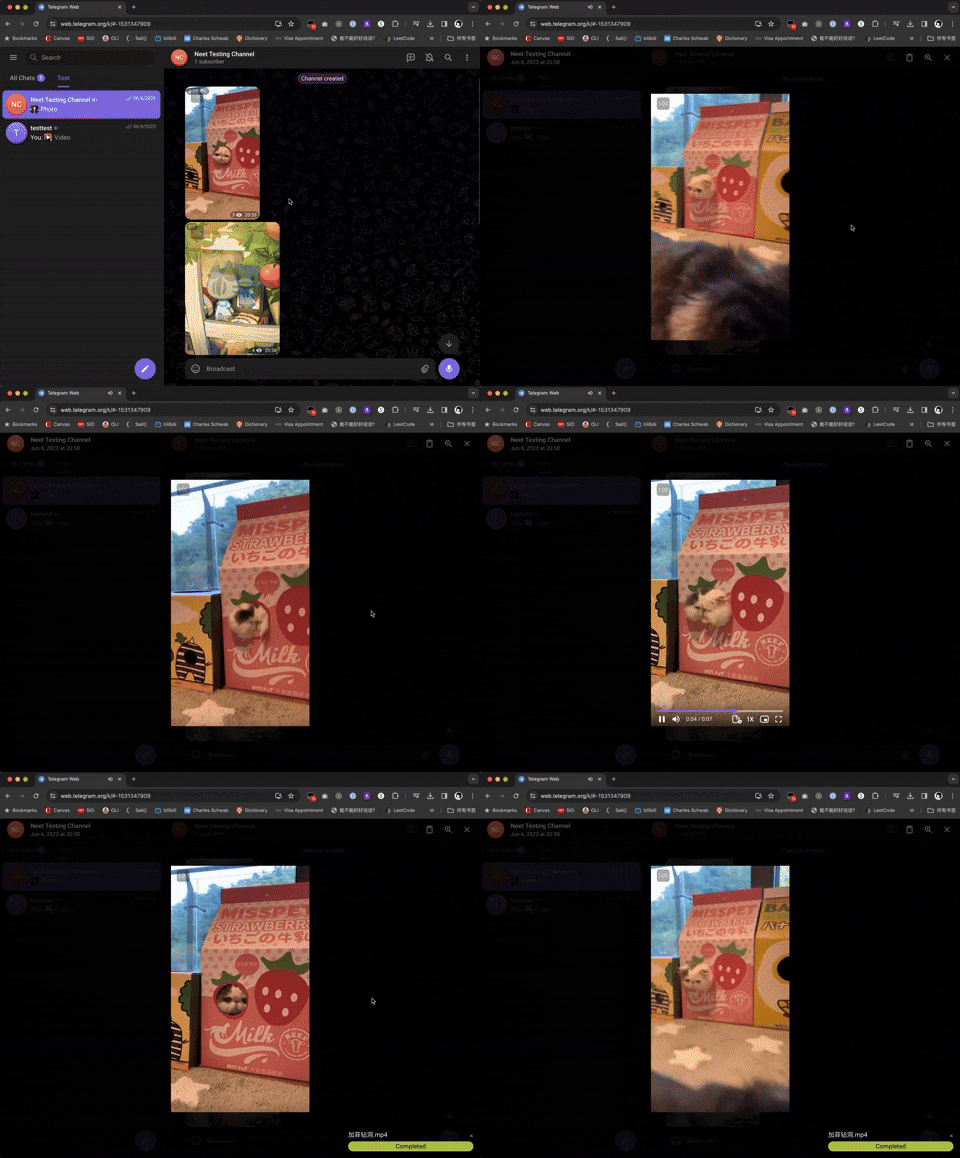
It only works on Telegram Web (the webapp in the browser), not the native desktop or mobile apps.How do I know if a download is working for videos?A progress bar appears in the bottom-right corner of the screen while a video downloads, and you can also check the DevTools console for logs.
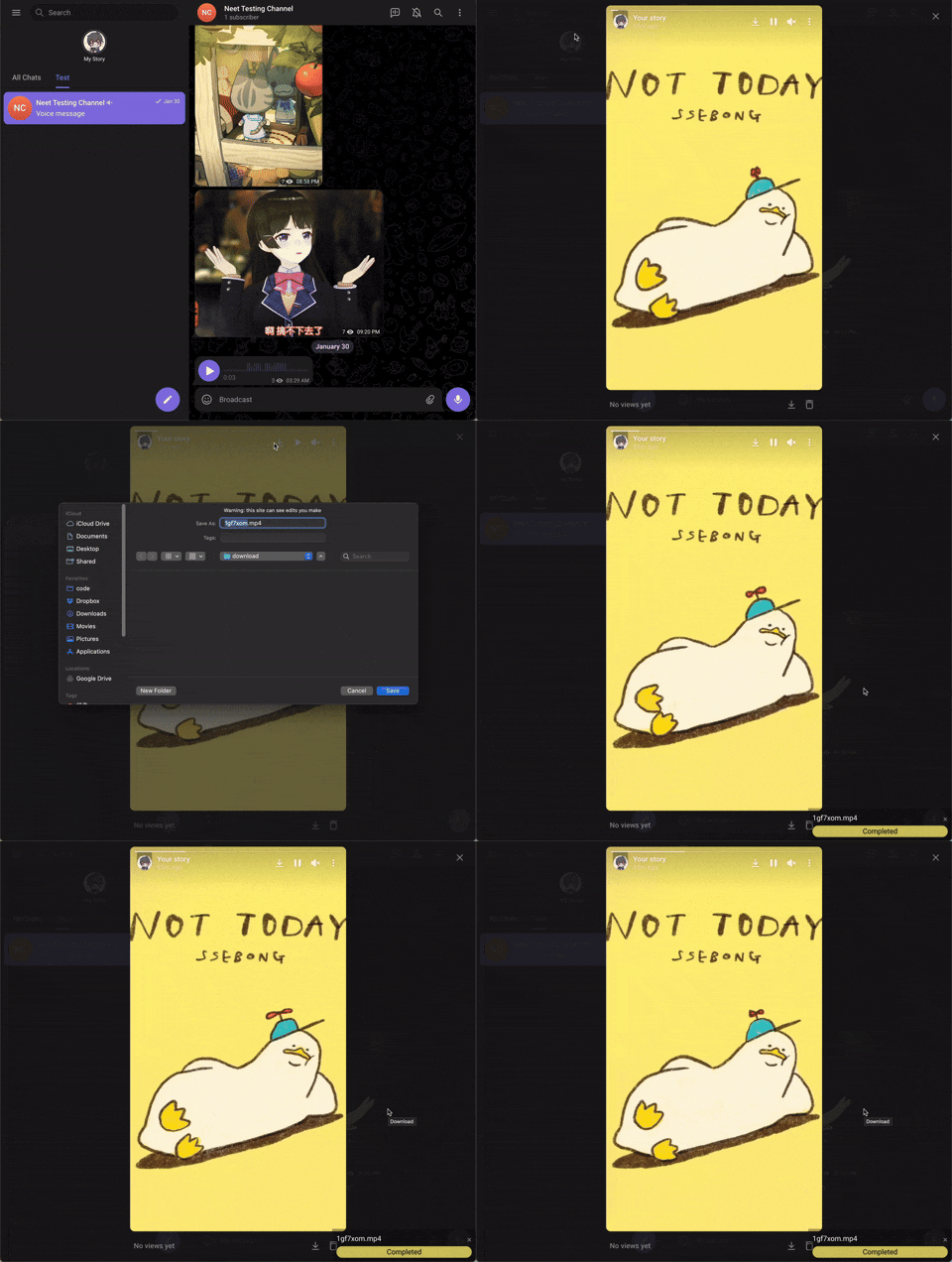
A progress bar appears in the bottom-right corner of the screen while a video downloads, and you can also check the DevTools console for logs.What should I do if a feature like voice message download isn't working?Switch from the default Telegram webapp version to the /k/ version, since some features such as voice message downloads are only available there.
Switch from the default Telegram webapp version to the /k/ version, since some features such as voice message downloads are only available there.Can I use the official Telegram download button instead?Yes, if a chat or channel already allows saving content, this script does nothing and you should just use Telegram's built-in download button.
Yes, if a chat or channel already allows saving content, this script does nothing and you should just use Telegram's built-in download button.What are similar projects?cat-catch, maxurl, video_vip, UserScript, desktop_gifs, streamfirefly, TwitchAdSolutions, return-youtube-dislike
cat-catch, maxurl, video_vip, UserScript, desktop_gifs, streamfirefly, TwitchAdSolutions, return-youtube-dislikeWhich topics is it in?greasyfork, multi-platform, userscript, gif, video-downloader, firefox, scripting, script, firefox-extension, chrome, downloader, chrome-extension
greasyfork, multi-platform, userscript, gif, video-downloader, firefox, scripting, script, firefox-extension, chrome, downloader, chrome-extension