What is this?
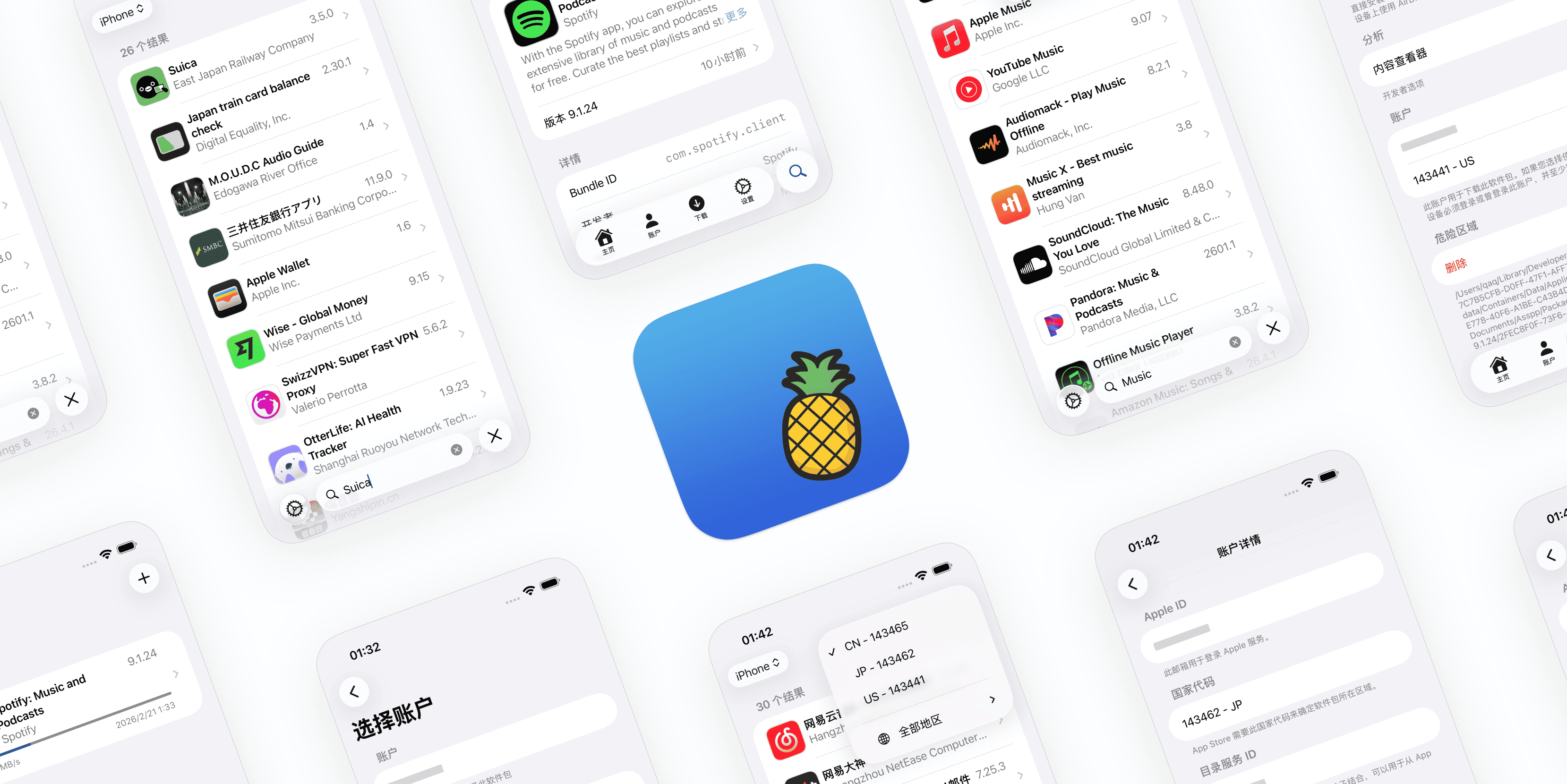
 Asspp is a client app that lets you manage multiple Apple IDs across different App Store regions, so you can browse, search, and download apps from any country's store without logging out and switching system accounts.
Asspp is a client app that lets you manage multiple Apple IDs across different App Store regions, so you can browse, search, and download apps from any country's store without logging out and switching system accounts.Is this installed on my phone or is it a tool I run on a computer?It's a native app you install directly on iOS or macOS, not a desktop tool that talks to your phone remotely.
It's a native app you install directly on iOS or macOS, not a desktop tool that talks to your phone remotely.How do I install it on iOS or Mac?On iOS, either fork the repo for auto-build-and-sign with your own certificate (gives a permanent OTA link), or manually download the .ipa from Releases and sign it with SideStore, AltStore, TrollStore, etc. On macOS, download the .zip from Releases, unzip, move Asspp.app to Applications, then right-click and choose Open to bypass Gatekeeper's unverified-developer warning.
On iOS, either fork the repo for auto-build-and-sign with your own certificate (gives a permanent OTA link), or manually download the .ipa from Releases and sign it with SideStore, AltStore, TrollStore, etc. On macOS, download the .zip from Releases, unzip, move Asspp.app to Applications, then right-click and choose Open to bypass Gatekeeper's unverified-developer warning.Do I need an Apple ID to use this?Yes, an Apple ID is required because the app communicates directly with Apple's App Store APIs.
Yes, an Apple ID is required because the app communicates directly with Apple's App Store APIs.Is it safe to use my main Apple ID with this?No — the README strongly advises against using your primary Apple ID, since a ban could potentially trigger an unremovable Activation Lock on your device; it also warns to never leak your device GUID. The underlying protocol could also stop working again at any time due to Apple's tightening restrictions.
No — the README strongly advises against using your primary Apple ID, since a ban could potentially trigger an unremovable Activation Lock on your device; it also warns to never leak your device GUID. The underlying protocol could also stop working again at any time due to Apple's tightening restrictions.What OS versions does it need?It requires iOS 17.0 or later, or macOS 15.0 or later.
It requires iOS 17.0 or later, or macOS 15.0 or later.Is there a licensing catch?It's MIT licensed with no stated restrictions beyond the standard MIT terms.
It's MIT licensed with no stated restrictions beyond the standard MIT terms.Can I download old versions of an app, not just the latest?Yes, Asspp lets you find and download history versions of an app, not just the current release.
Yes, Asspp lets you find and download history versions of an app, not just the current release.Why might Apple's download protocol stop working someday?Asspp uses the same protocol as ipatool, and the author speculates past outages were caused by heavy usage triggering Apple's risk controls, iCloud security patches, or stricter gateway traffic validation — if it breaks again, a fix might not be possible.
Asspp uses the same protocol as ipatool, and the author speculates past outages were caused by heavy usage triggering Apple's risk controls, iCloud security patches, or stricter gateway traffic validation — if it breaks again, a fix might not be possible.Is this an official Apple product?No, it is explicitly unaffiliated with Apple and is described as being for educational and research purposes only, used at your own risk.
No, it is explicitly unaffiliated with Apple and is described as being for educational and research purposes only, used at your own risk.Can IPAs downloaded through Asspp be used for sideloading?Yes, it downloads official, signed IPAs directly from Apple's servers, which can be used for backup or sideloading.
Yes, it downloads official, signed IPAs directly from Apple's servers, which can be used for backup or sideloading.What are similar projects?opendisplay, textream, AltStore, Pearcleaner, zulu, tendedero, tvbox-silicon, Insomnia
opendisplay, textream, AltStore, Pearcleaner, zulu, tendedero, tvbox-silicon, InsomniaWhich topics is it in?ios-app, self-hosting, macos-app, apple, swift, utility, ios, productivity, free, security, desktop-app, cross-platform
ios-app, self-hosting, macos-app, apple, swift, utility, ios, productivity, free, security, desktop-app, cross-platform