






13.7K ·GitHub
What is this?
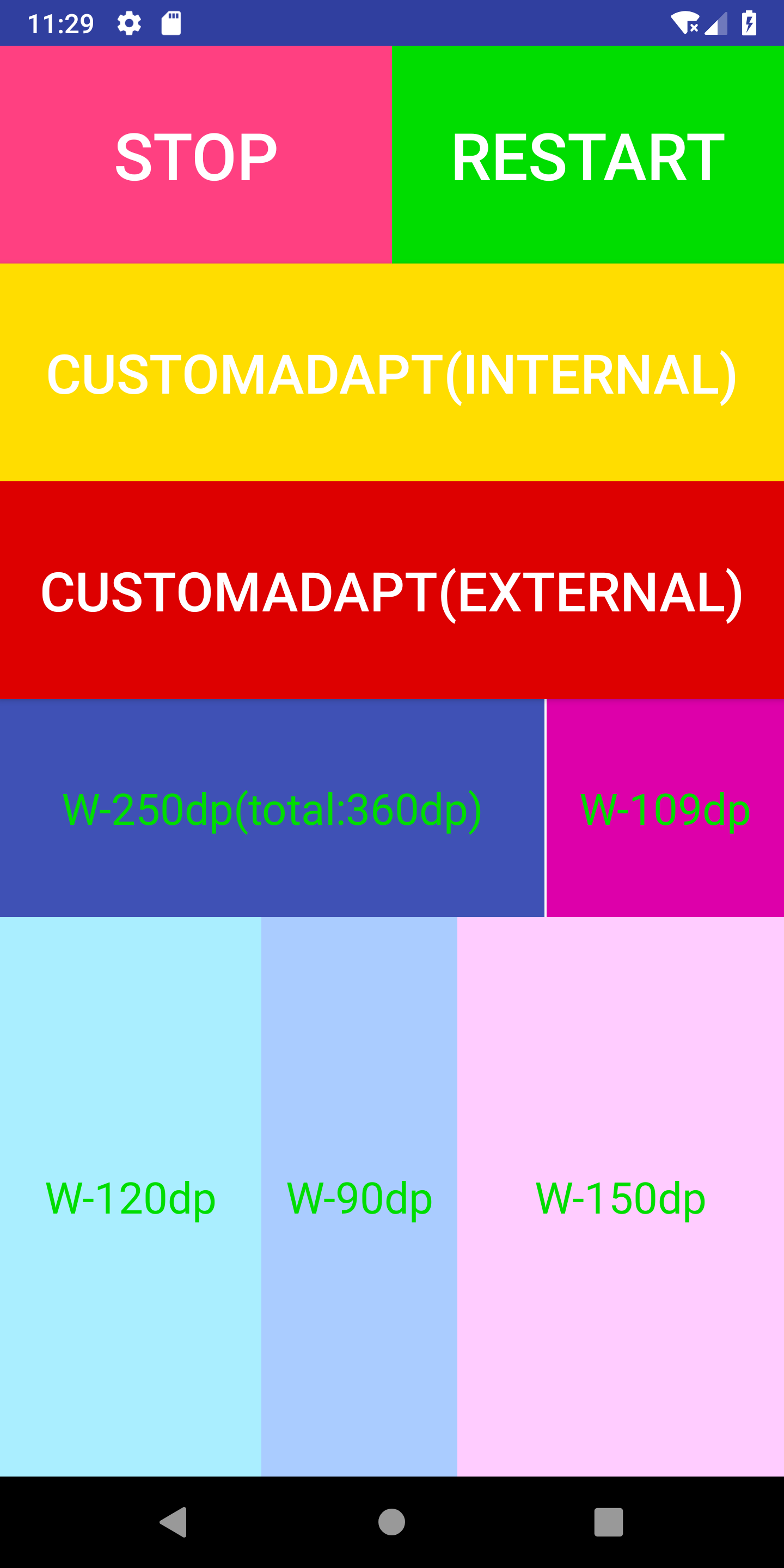
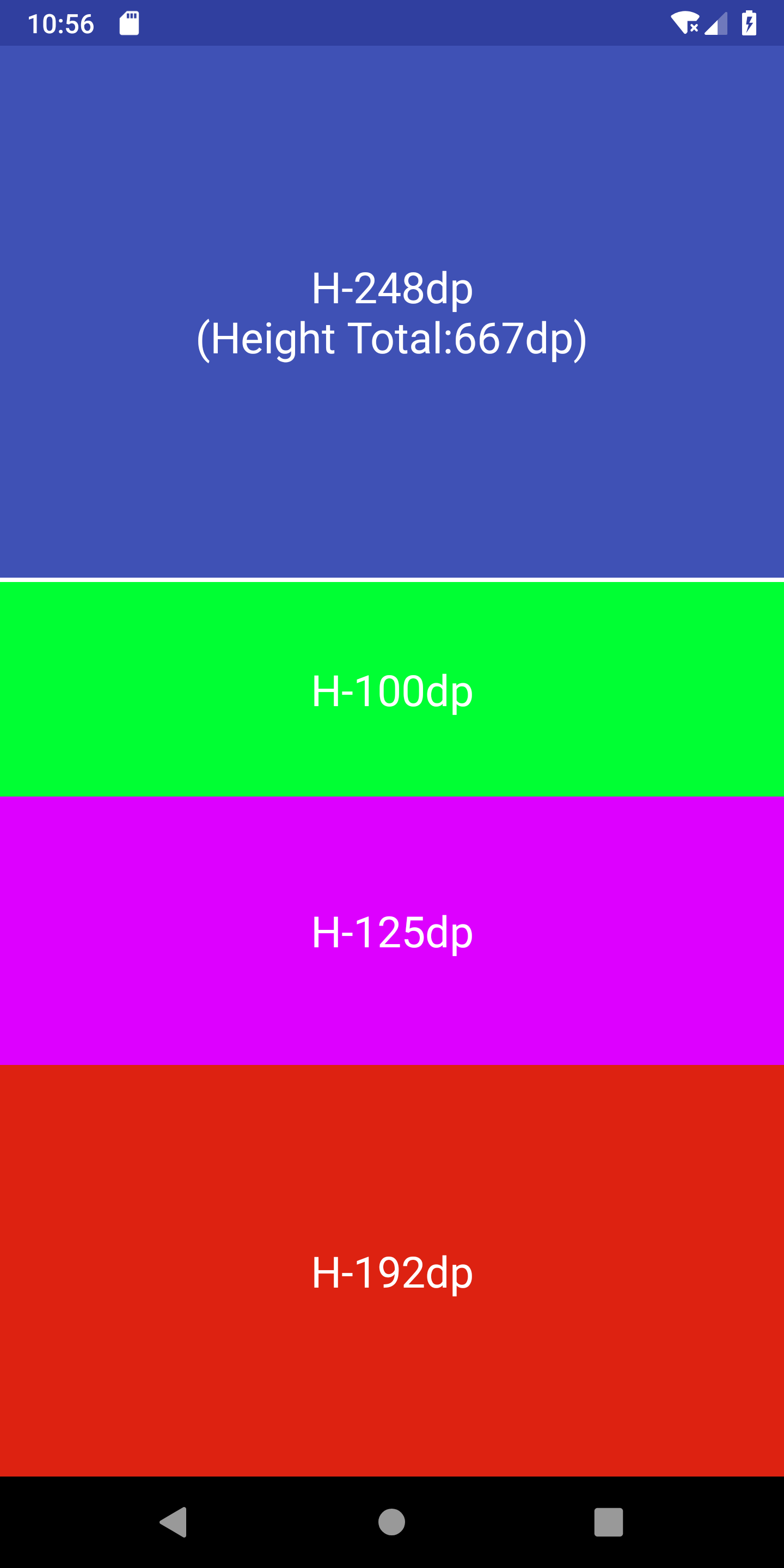
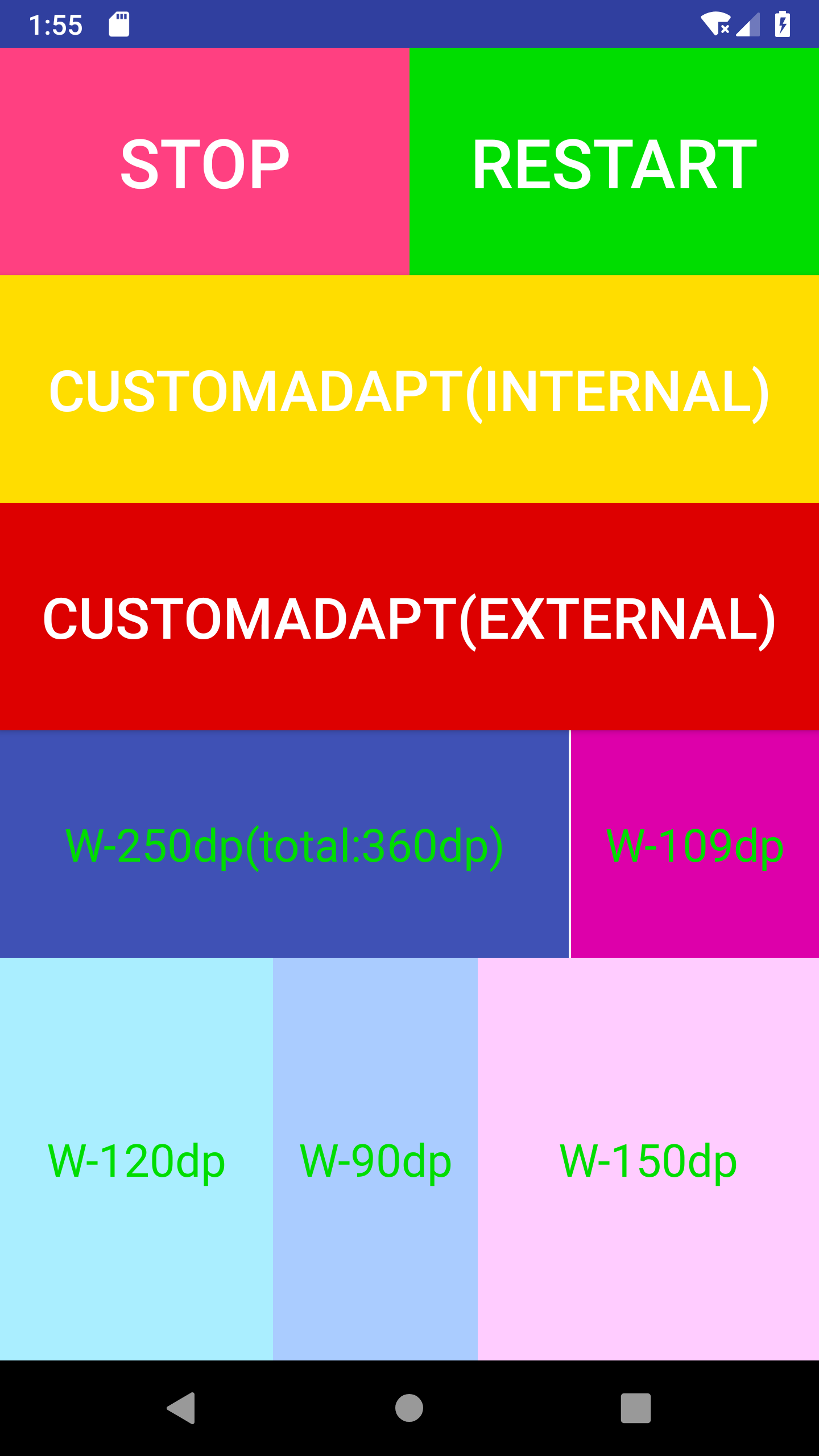
 AndroidAutoSize is an open-source Android screen adaptation library — the 'ultimate version' of Toutiao's density-based scheme — making one layout scale correctly across devices with very different screen sizes and densities.
AndroidAutoSize is an open-source Android screen adaptation library — the 'ultimate version' of Toutiao's density-based scheme — making one layout scale correctly across devices with very different screen sizes and densities.Is it a library I add to my app, or a standalone tool I run?A library, not a standalone tool: you add it as a Gradle dependency to your Android app, and it scales your UI at runtime.
A library, not a standalone tool: you add it as a Gradle dependency to your Android app, and it scales your UI at runtime.How do I add it to my Android project?Add the JitPack repository to your root build.gradle, add the dependency, then initialize in AndroidManifest — the README calls that one init the only required step ('just one steps'). The older JCenter repo is deprecated.
Add the JitPack repository to your root build.gradle, add the dependency, then initialize in AndroidManifest — the README calls that one init the only required step ('just one steps'). The older JCenter repo is deprecated.Is scaling everything by density completely safe, or is there a catch?It works by rewriting DisplayMetrics#density, which the README says can have adverse effects; optional pt/in/mm subunits avoid that and let you write design pixel sizes without converting to dp.
It works by rewriting DisplayMetrics#density, which the README says can have adverse effects; optional pt/in/mm subunits avoid that and let you write design pixel sizes without converting to dp.Is it Android-only, or does it cover other platforms too?Android only — it is a Java library built around Android's DisplayMetrics; the README demos it on Android phones from 240 dpi up to 560 dpi, with no iOS or web support mentioned.
Android only — it is a Java library built around Android's DisplayMetrics; the README demos it on Android phones from 240 dpi up to 560 dpi, with no iOS or web support mentioned.How much work is the integration?Deliberately little — that is the 'low-cost' pitch: one Gradle dependency plus a single initialization in AndroidManifest. Per-Activity or Fragment tweaks and subunit support are all optional.
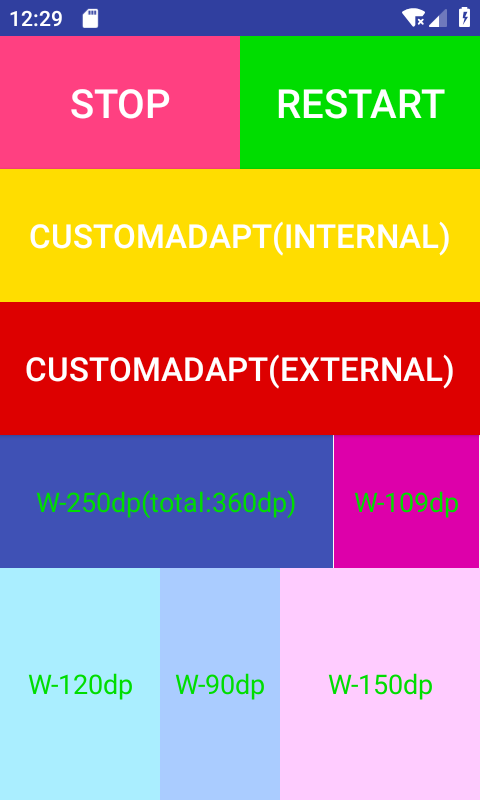
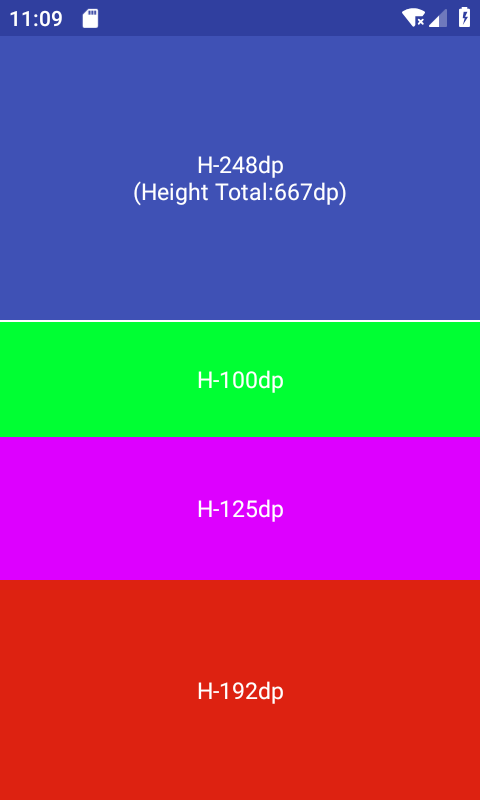
Deliberately little — that is the 'low-cost' pitch: one Gradle dependency plus a single initialization in AndroidManifest. Per-Activity or Fragment tweaks and subunit support are all optional.Which layout units does it support?dp and sp work out of the box. The pt, in and mm subunits must be enabled first via AutoSizeConfig.getInstance().getUnitsManager().setSupportSubunits(...).
dp and sp work out of the box. The pt, in and mm subunits must be enabled first via AutoSizeConfig.getInstance().getUnitsManager().setSupportSubunits(...).Can I leave some screens out of the scaling?Yes. Any Activity can get custom adaptation parameters or be dropped from adaptation entirely; enable Fragment support first and Fragments can be tuned or cancelled the same way.
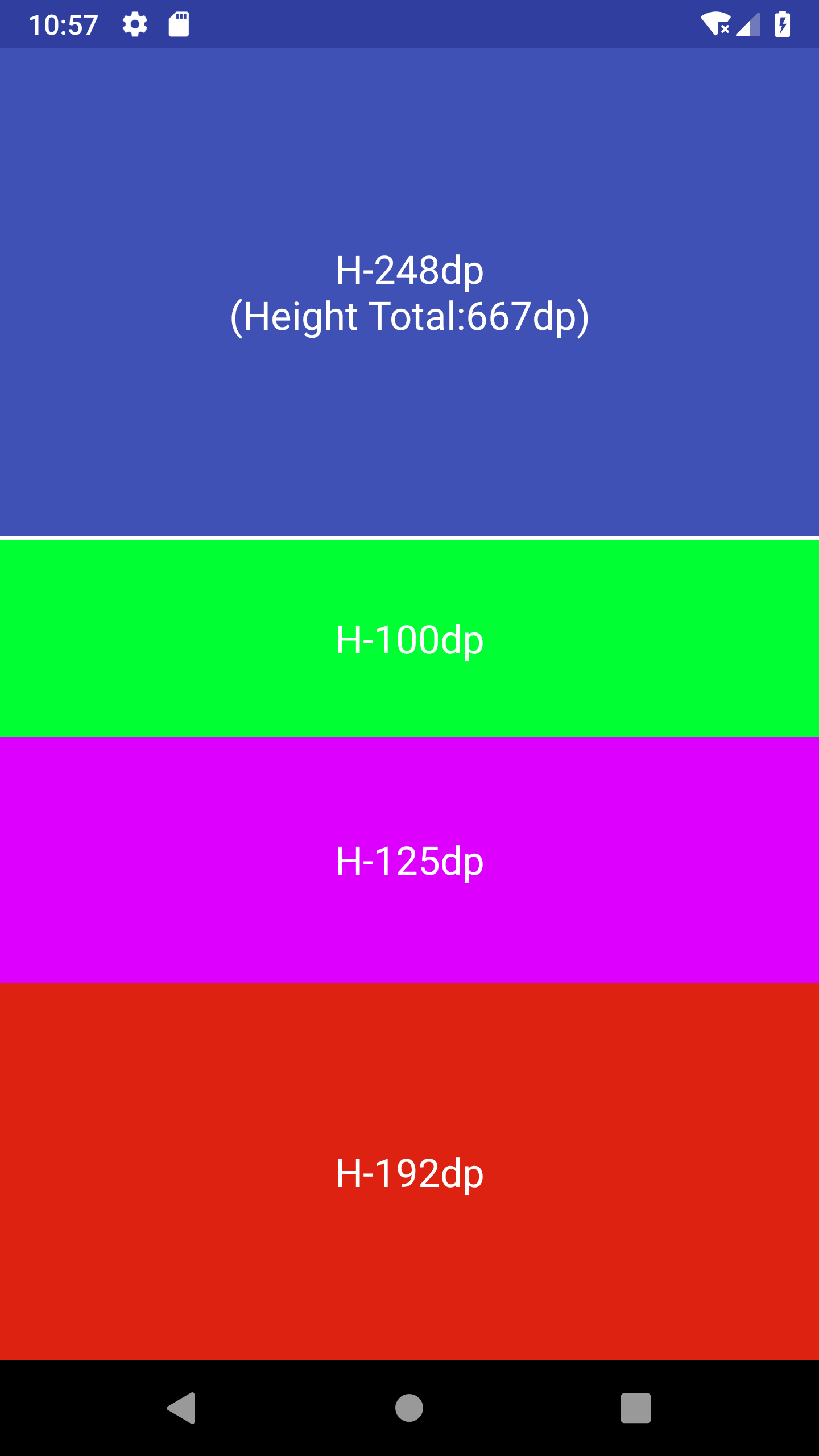
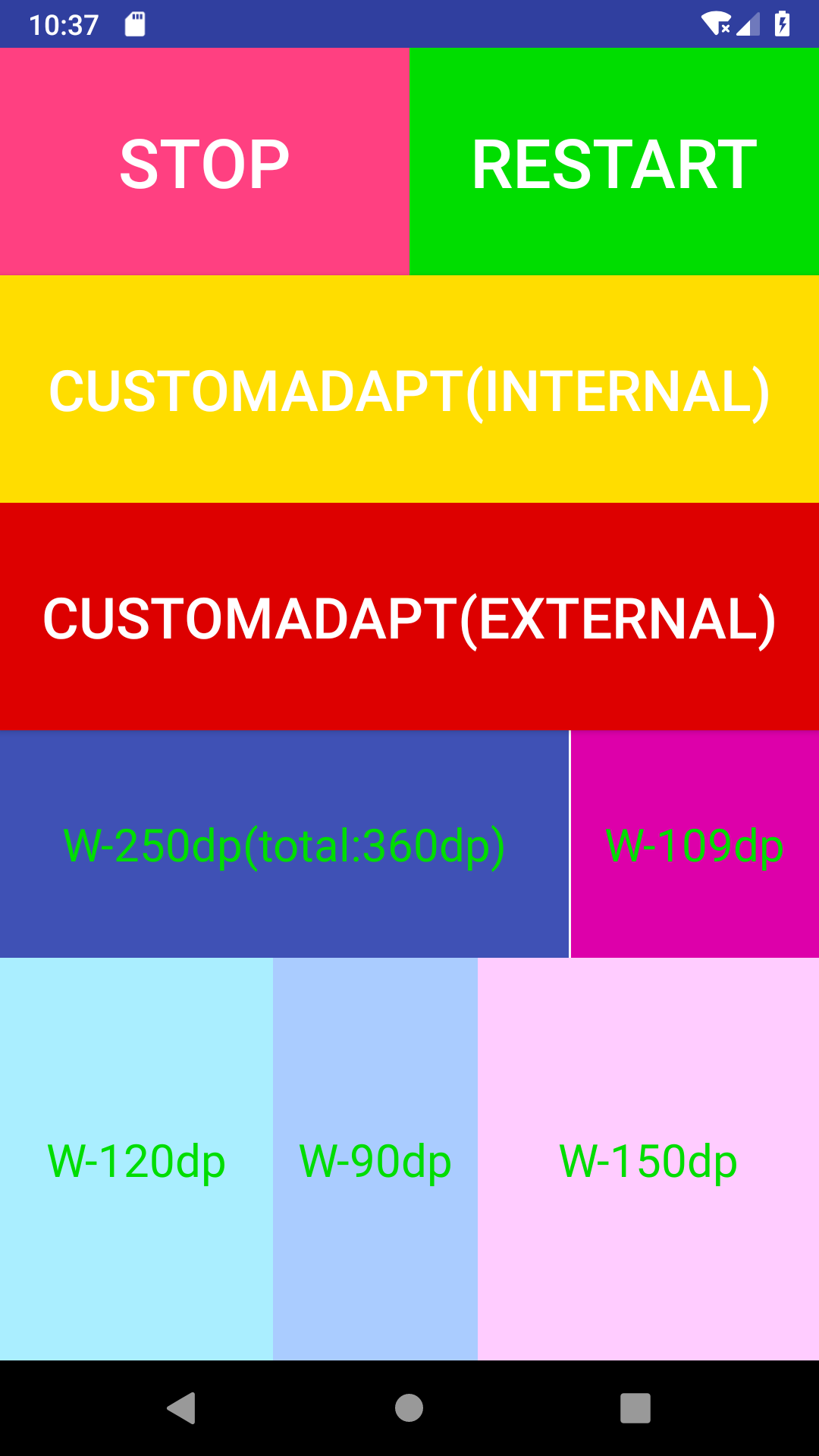
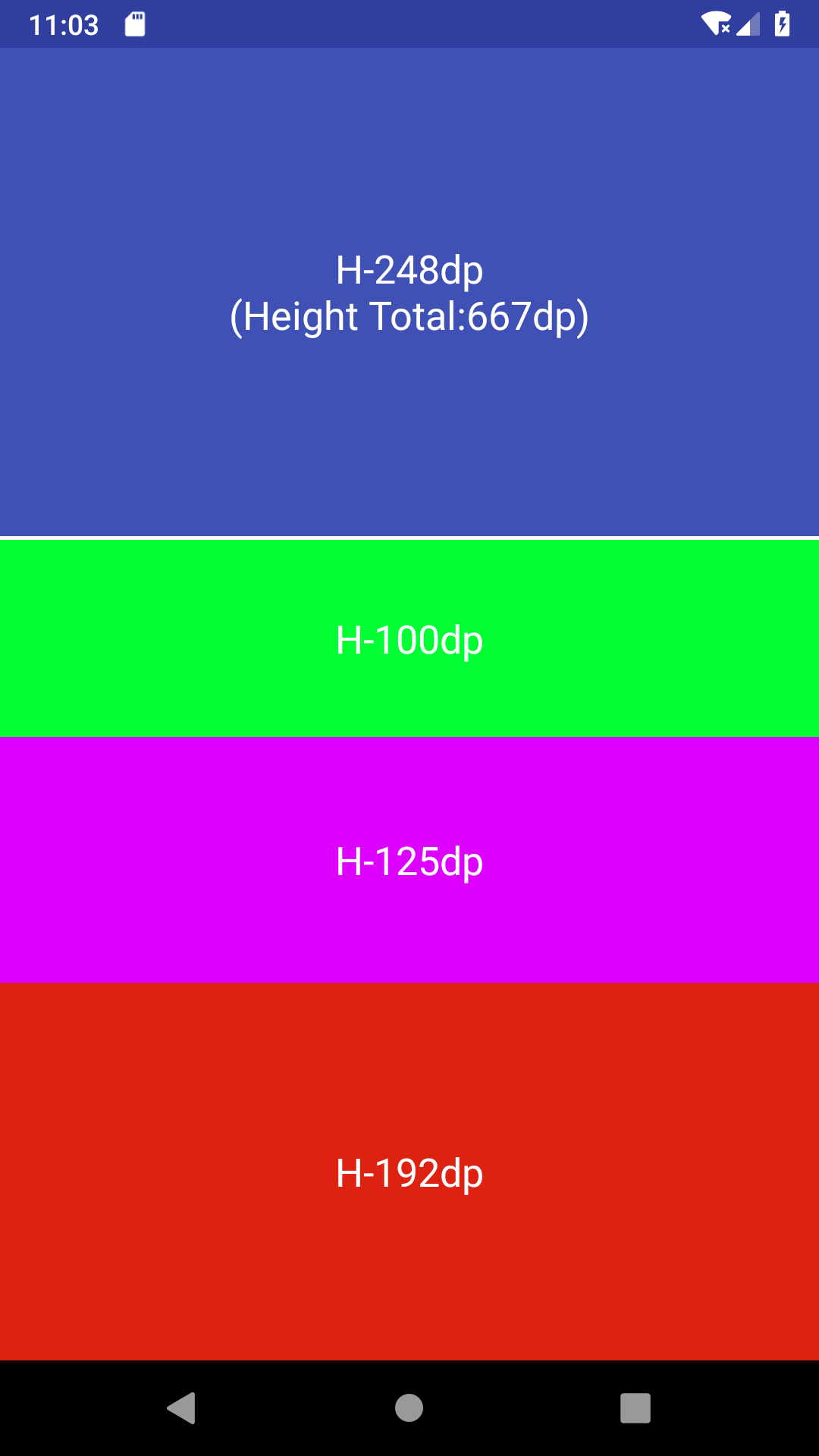
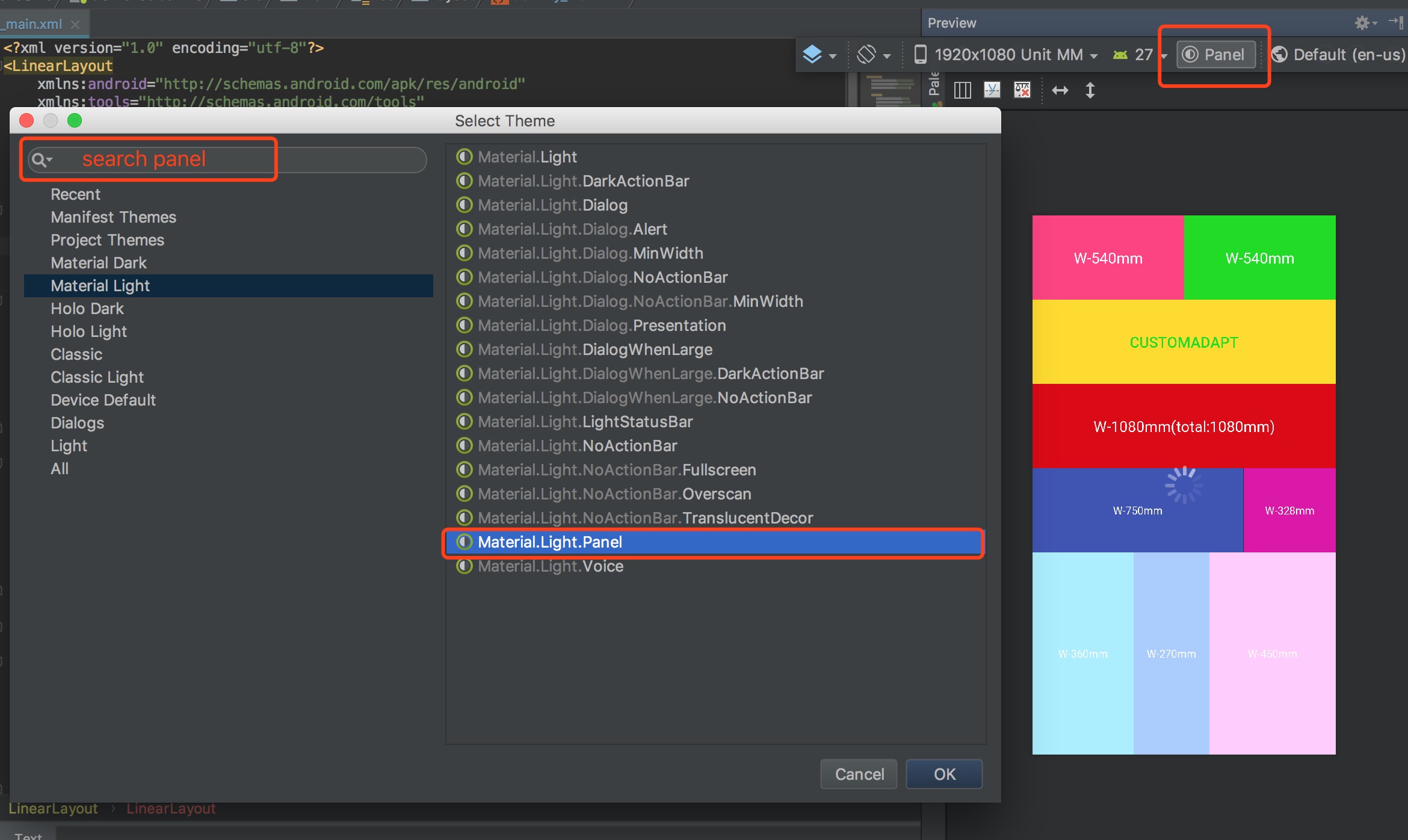
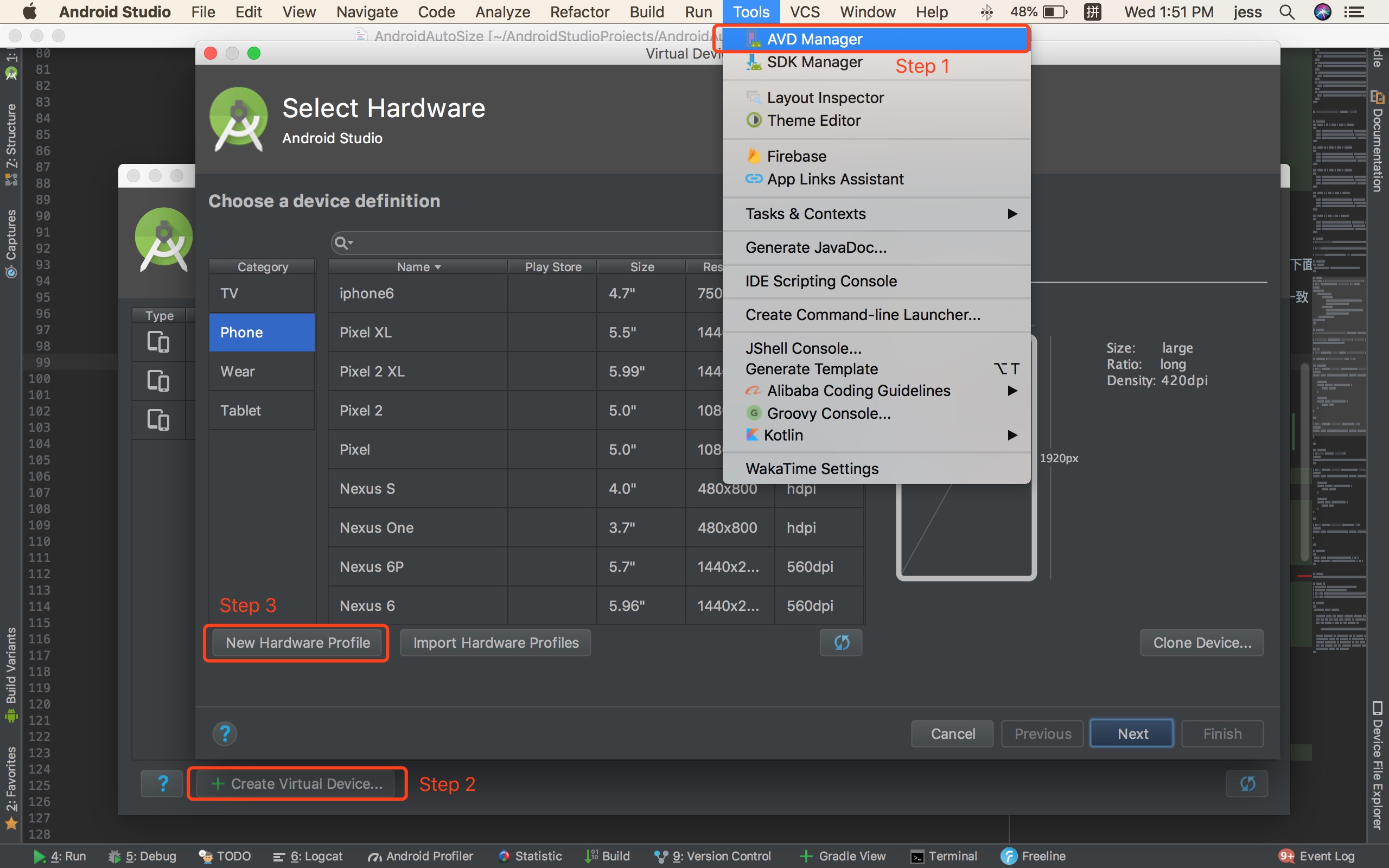
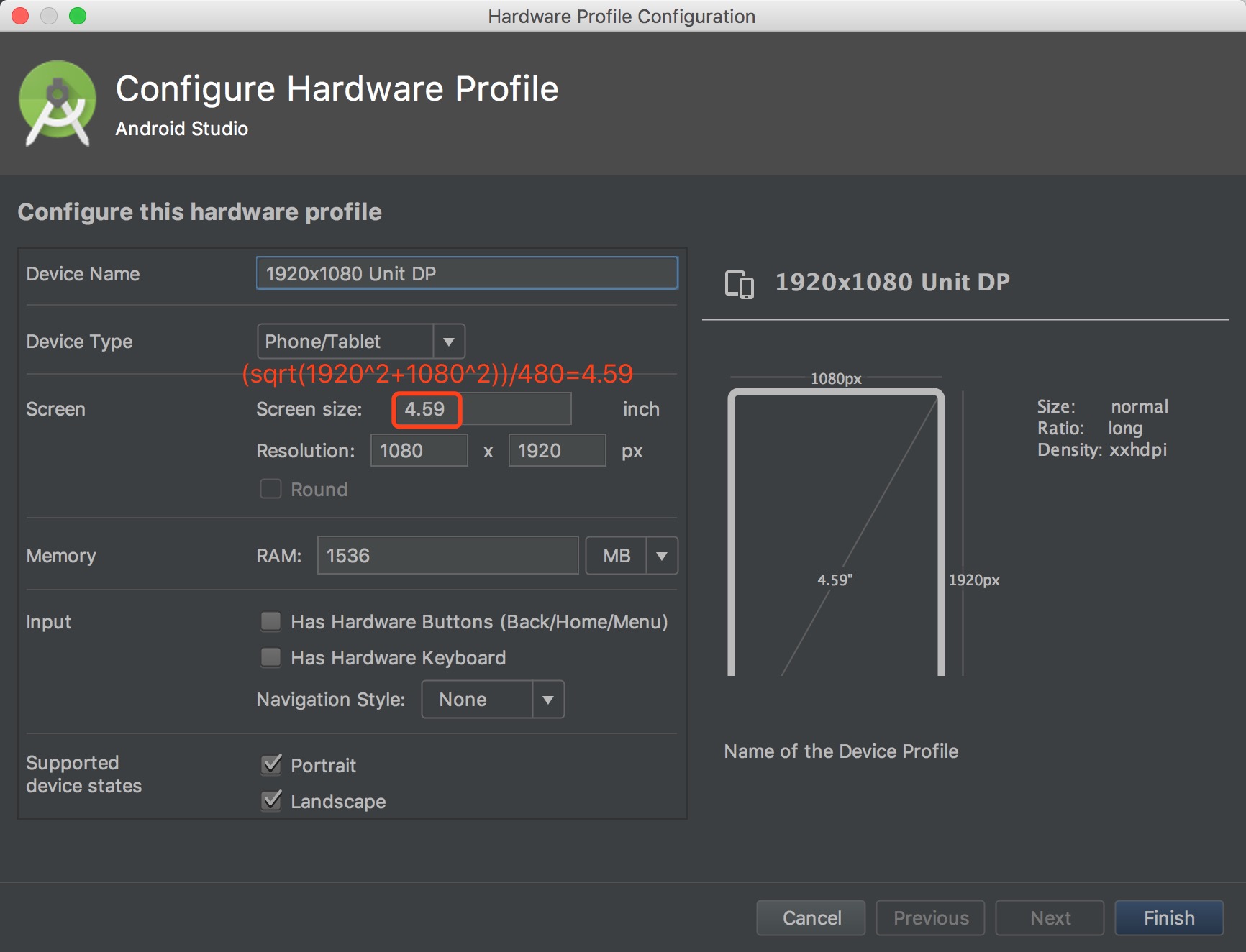
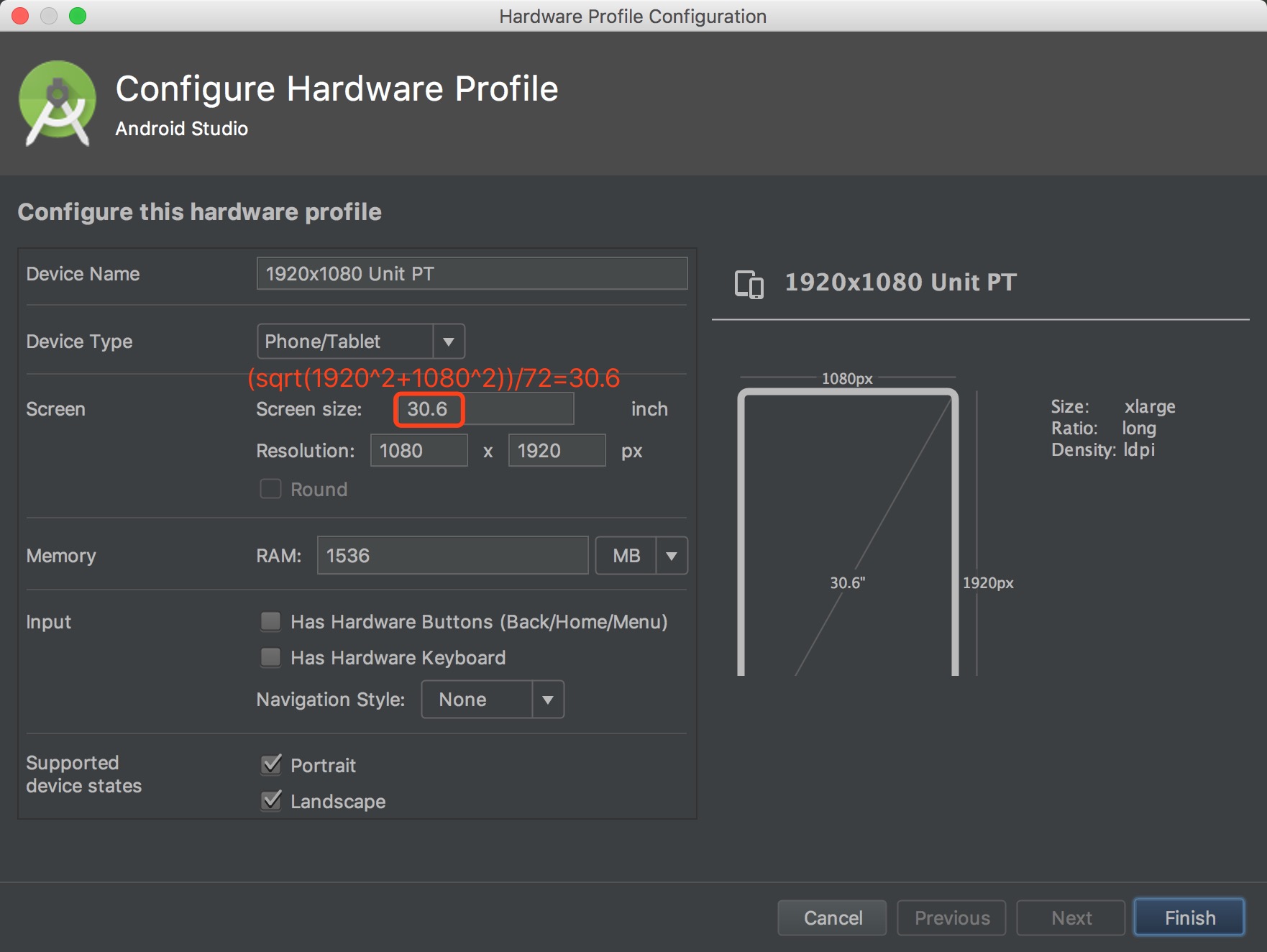
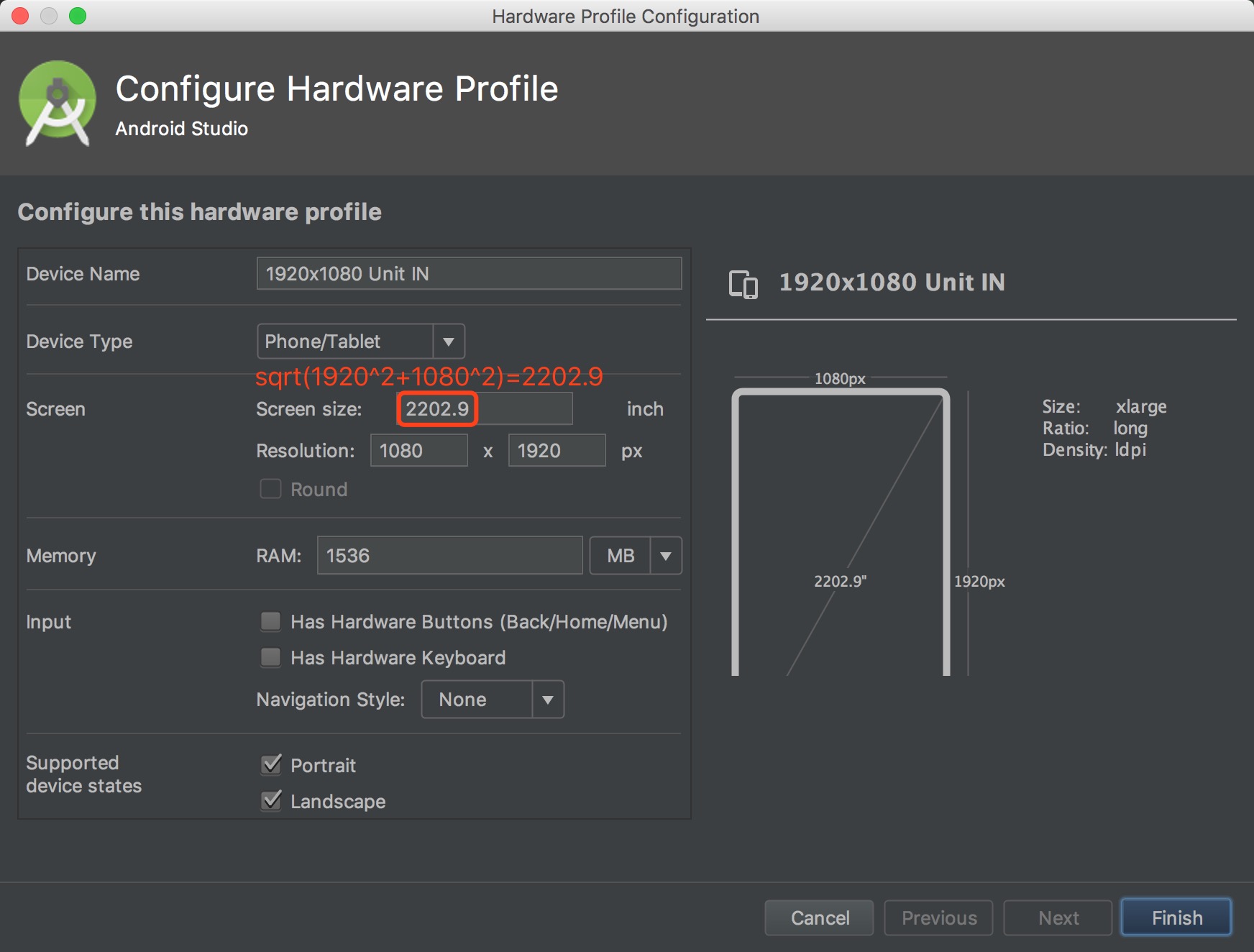
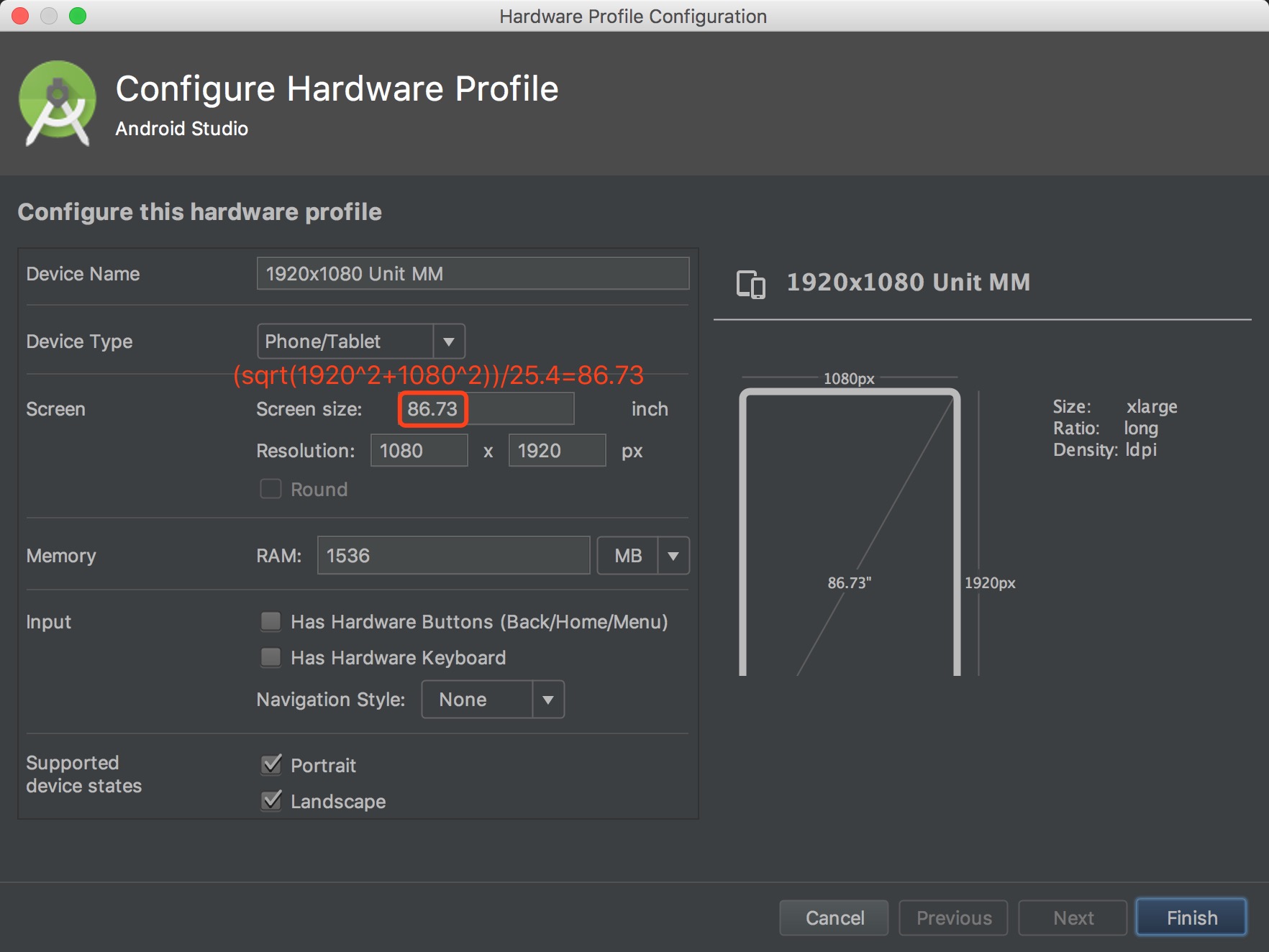
Yes. Any Activity can get custom adaptation parameters or be dropped from adaptation entirely; enable Fragment support first and Fragments can be tuned or cancelled the same way.How do I preview a design accurately in Android Studio?Create a custom virtual device using the README formulas — for dp, screen size = sqrt(vertical^2 + horizontal^2)/dpi — and optionally pick the panel theme that hides the status and navigation bars so the preview fills the page.
Create a custom virtual device using the README formulas — for dp, screen size = sqrt(vertical^2 + horizontal^2)/dpi — and optionally pick the panel theme that hides the status and navigation bars so the preview fills the page.What are similar projects?MVPArms, AndroidSwipeLayout, flexbox-layout, FlycoTabLayout, vlayout, ARouter, material-components-android, CircleImageView
MVPArms, AndroidSwipeLayout, flexbox-layout, FlycoTabLayout, vlayout, ARouter, material-components-android, CircleImageViewWhich topics is it in?gradle, android-library, responsive, mobile-development, java, mobile, ui, android, gui, apache-2.0, library, open-source
gradle, android-library, responsive, mobile-development, java, mobile, ui, android, gui, apache-2.0, library, open-source