









What is this?
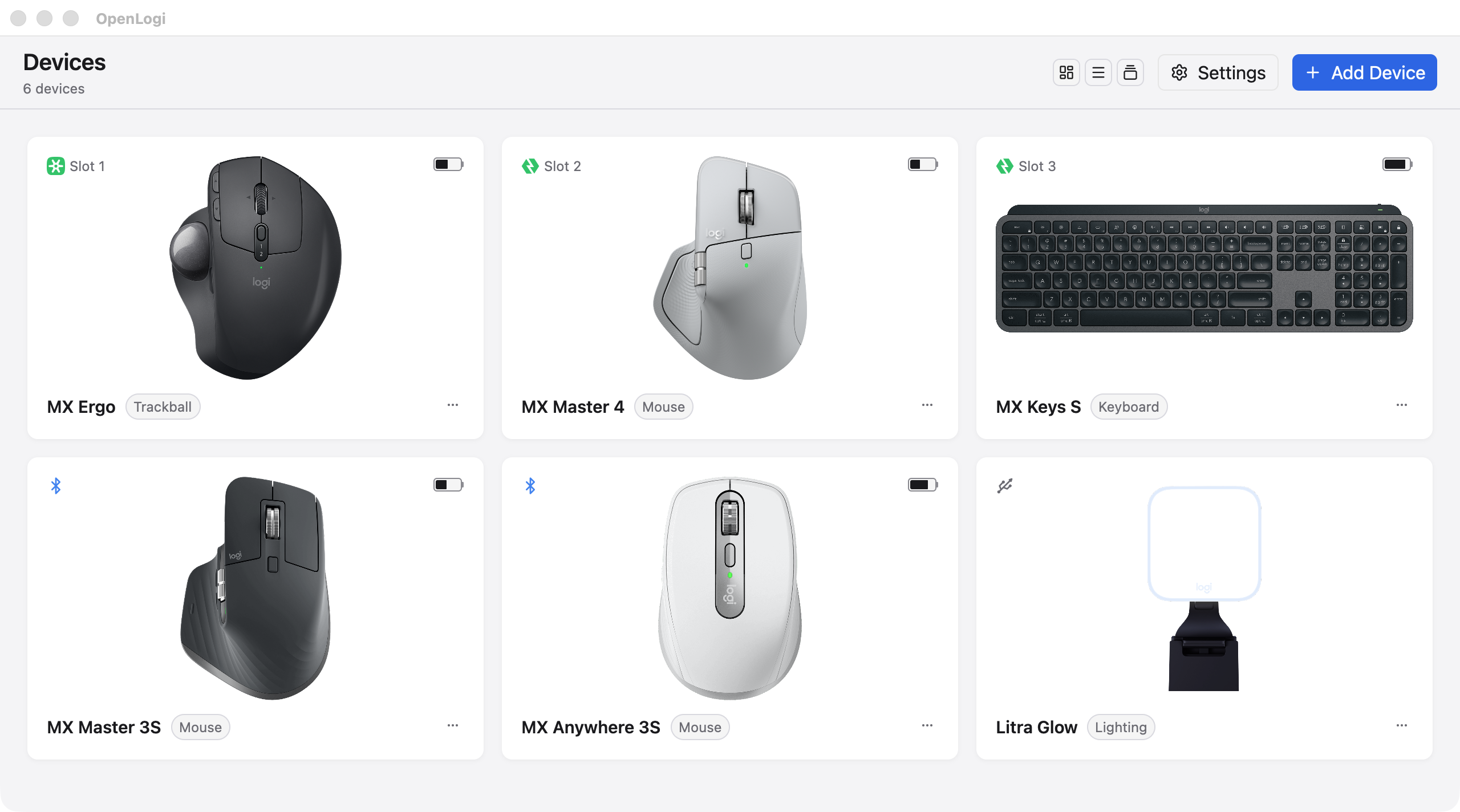
 OpenLogi is a native, local-first alternative to Logitech Options+ written in Rust: it unlocks Logitech mice, keyboards, and webcams over HID++ and UVC, with no account and no telemetry.
How is it different from just using Logitech Options+?It stays light (native Rust + GPUI), treats Linux as a first-class platform, puts gestures on any button, keeps all settings in one plain-text TOML file, and ships a real CLI alongside the GUI.
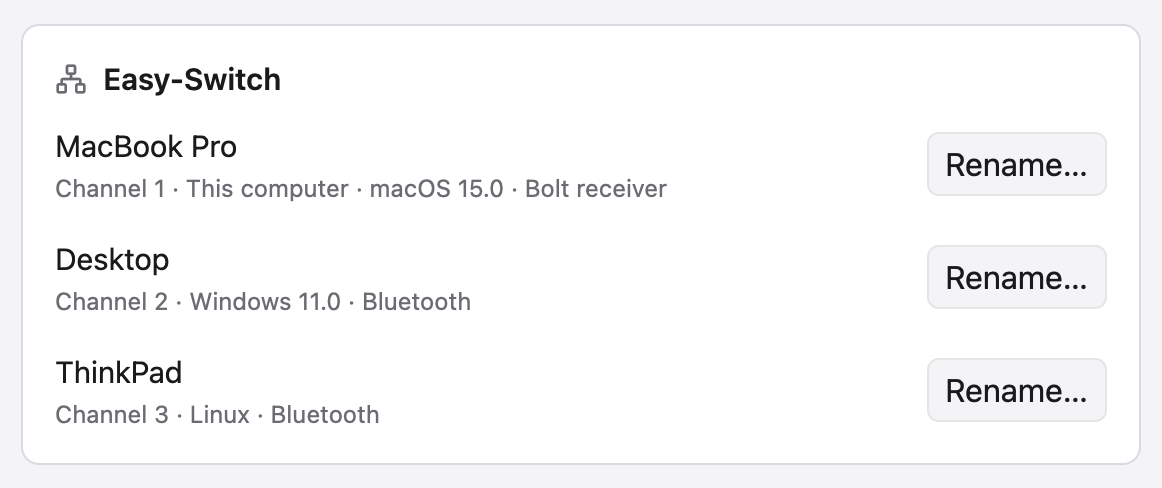
It stays light (native Rust + GPUI), treats Linux as a first-class platform, puts gestures on any button, keeps all settings in one plain-text TOML file, and ships a real CLI alongside the GUI.Can I keep Logitech Options+ installed alongside it?No — quit Options+ first: the two apps fight over HID++ access and only one can own a given receiver at a time. Devices connect via Logi Bolt, Unifying receivers, Bluetooth, or wired.
No — quit Options+ first: the two apps fight over HID++ access and only one can own a given receiver at a time. Devices connect via Logi Bolt, Unifying receivers, Bluetooth, or wired.Is it stable enough to replace Options+ today?Not quite yet — it's under active development and not stable, so features and config may change. Windows is the newest port, validated end-to-end on Windows 11, but rough edges are expected.
Not quite yet — it's under active development and not stable, so features and config may change. Windows is the newest port, validated end-to-end on Windows 11, but rough edges are expected.Does it work on Linux, or is it macOS-only like the official app?It runs natively on macOS 13+, Linux, and Windows. Linux is first-class: x86_64 and arm64 packages (GLIBC 2.35+), a NixOS module, and udev rules that grant access to /dev/hidraw and /dev/uinput without sudo.
It runs natively on macOS 13+, Linux, and Windows. Linux is first-class: x86_64 and arm64 packages (GLIBC 2.35+), a NixOS module, and udev rules that grant access to /dev/hidraw and /dev/uinput without sudo.Does it need an account or send telemetry anywhere?No account, no telemetry — it's local-first. All settings live in one TOML file that you sync between machines yourself.
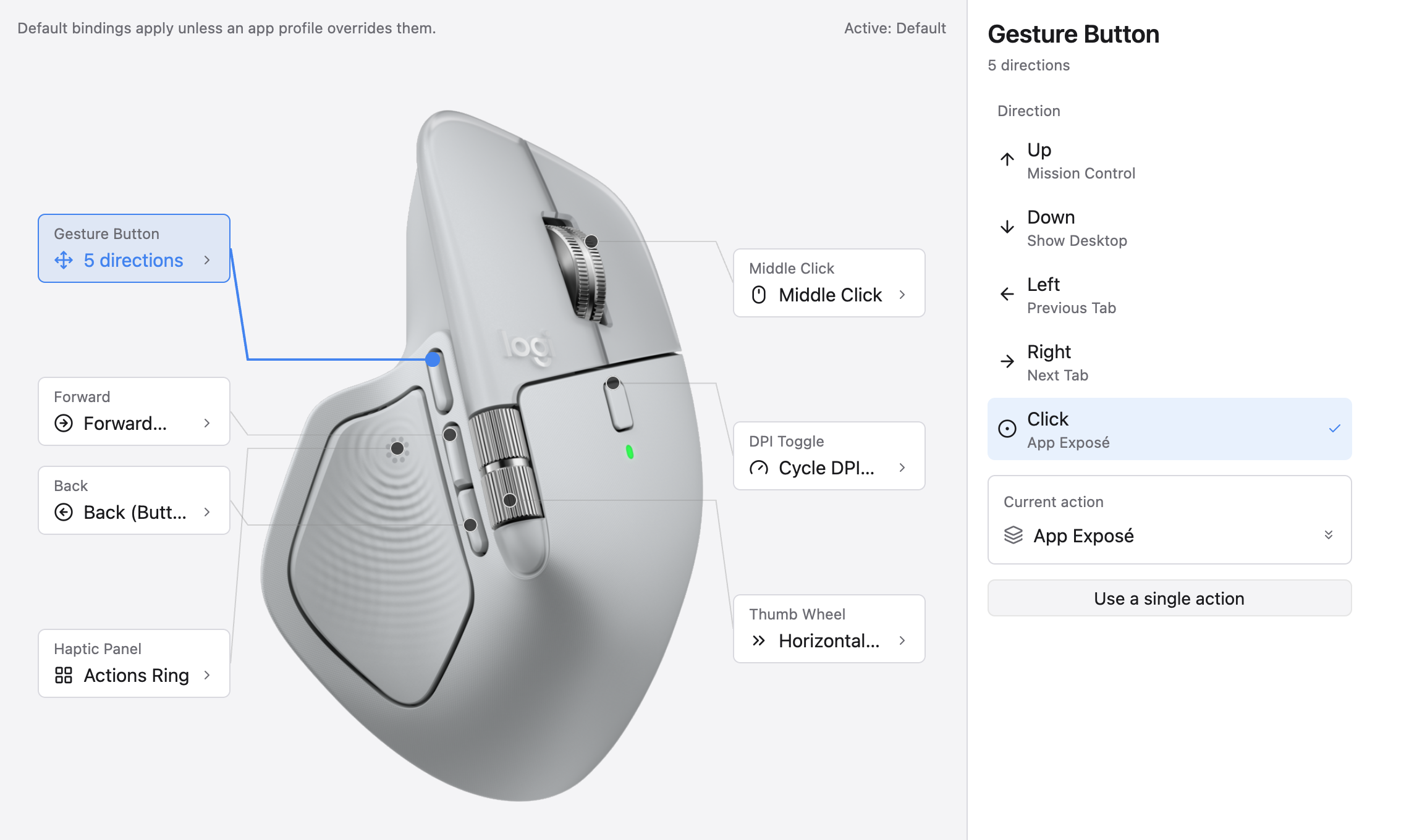
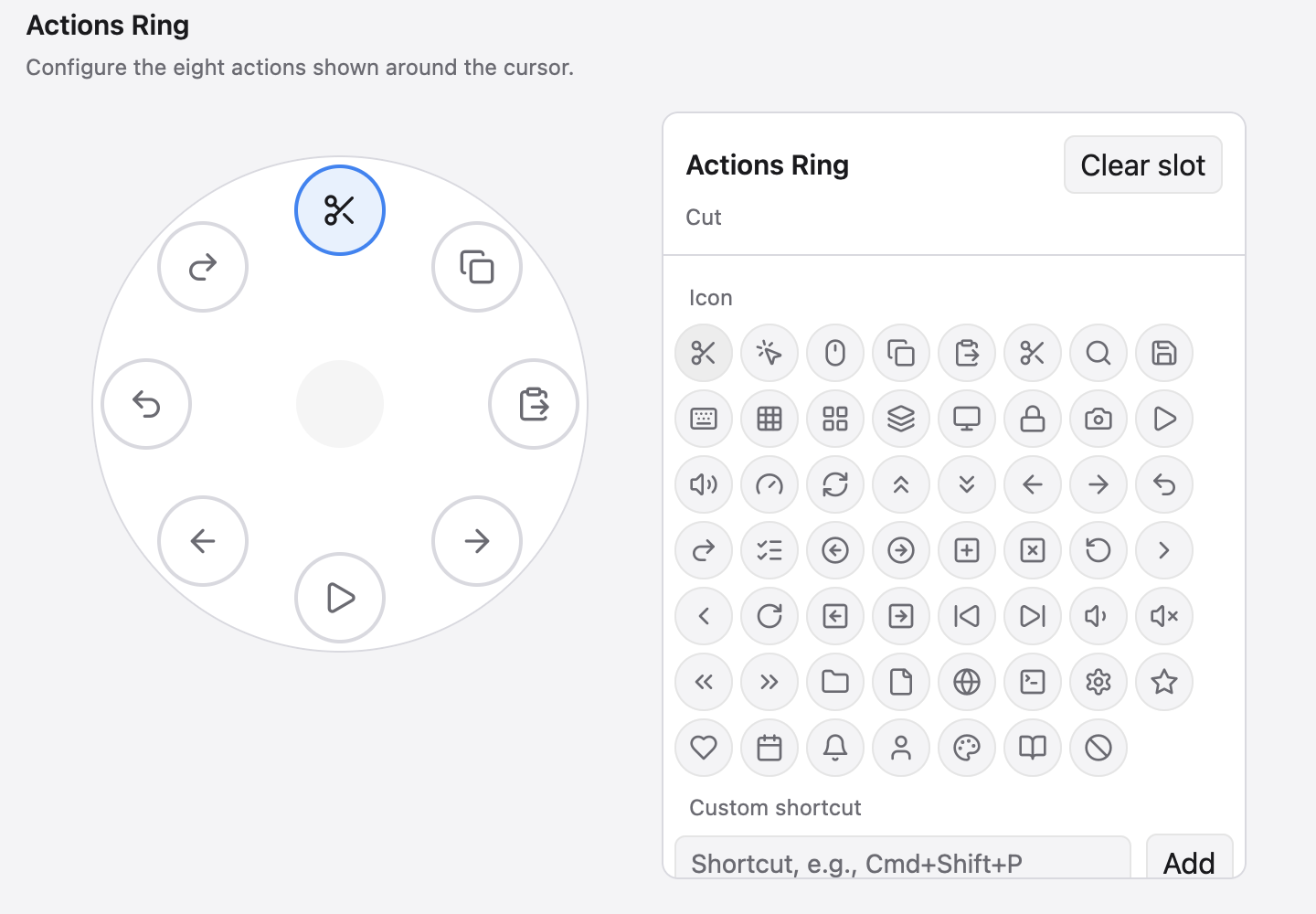
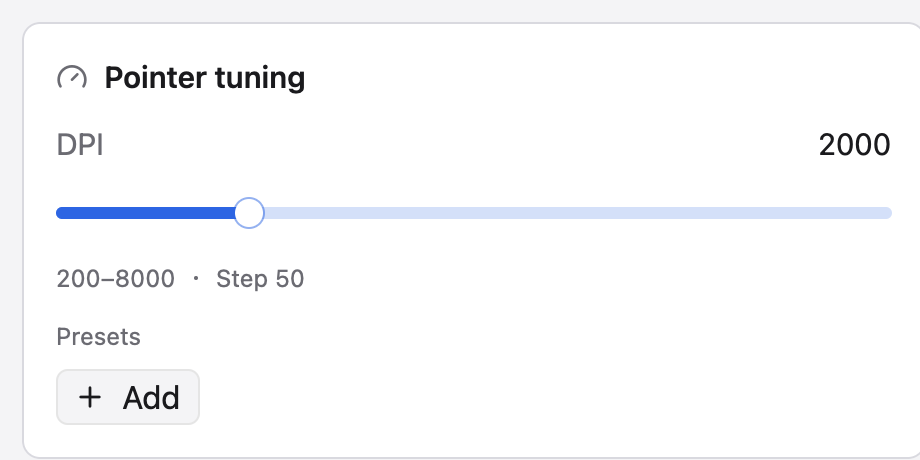
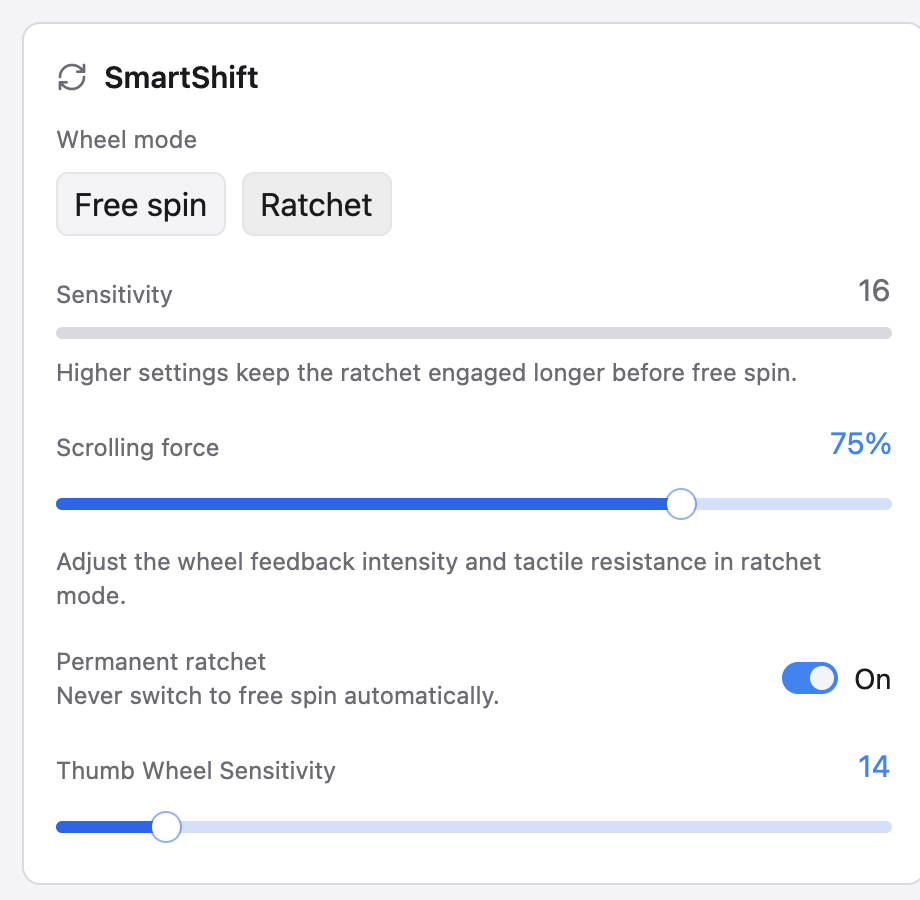
No account, no telemetry — it's local-first. All settings live in one TOML file that you sync between machines yourself.What can it do with an MX Master-class mouse?DPI presets with Cycle and Set actions, full SmartShift control (mode, sensitivity, a permanent-ratchet panel), remapping of the middle, mode-shift, and thumbwheel buttons, per-direction gestures with live capture, and the Actions Ring — a cursor-centred eight-slot action overlay.
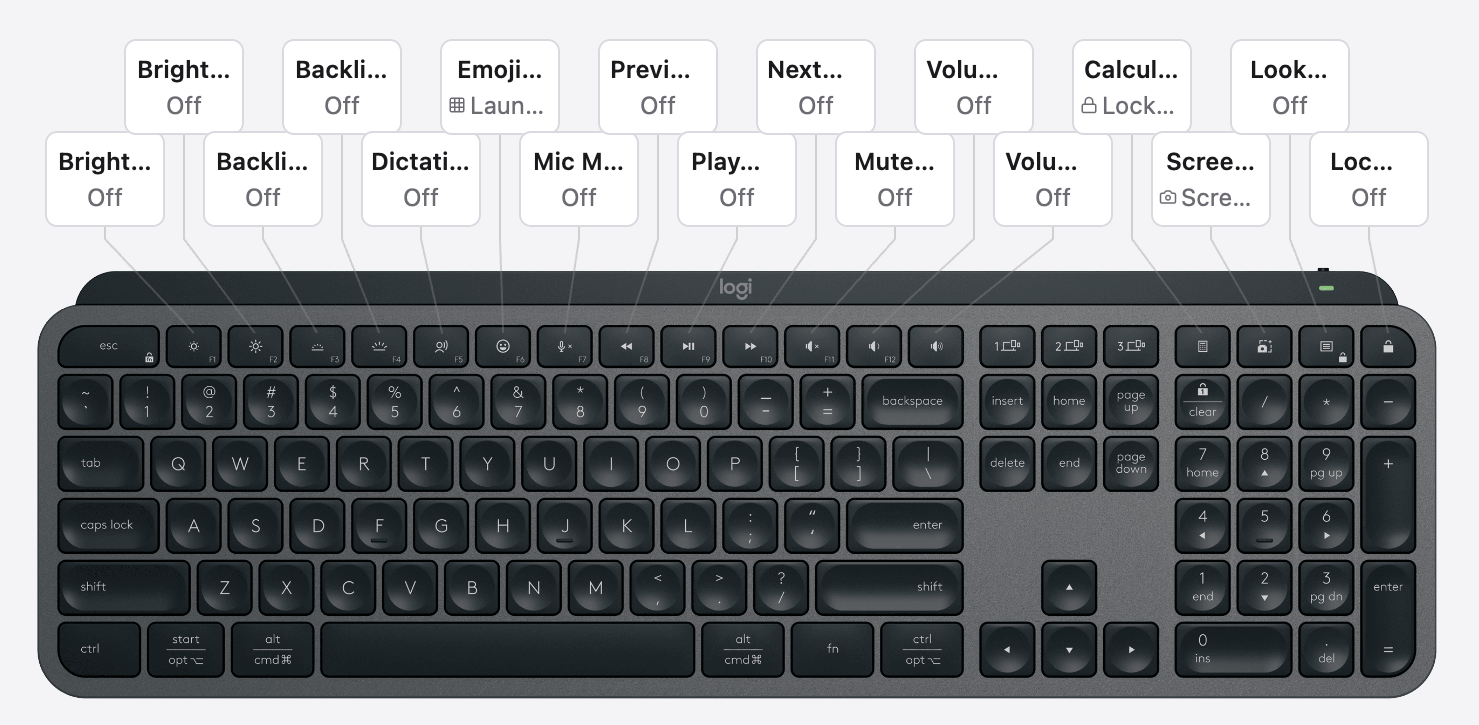
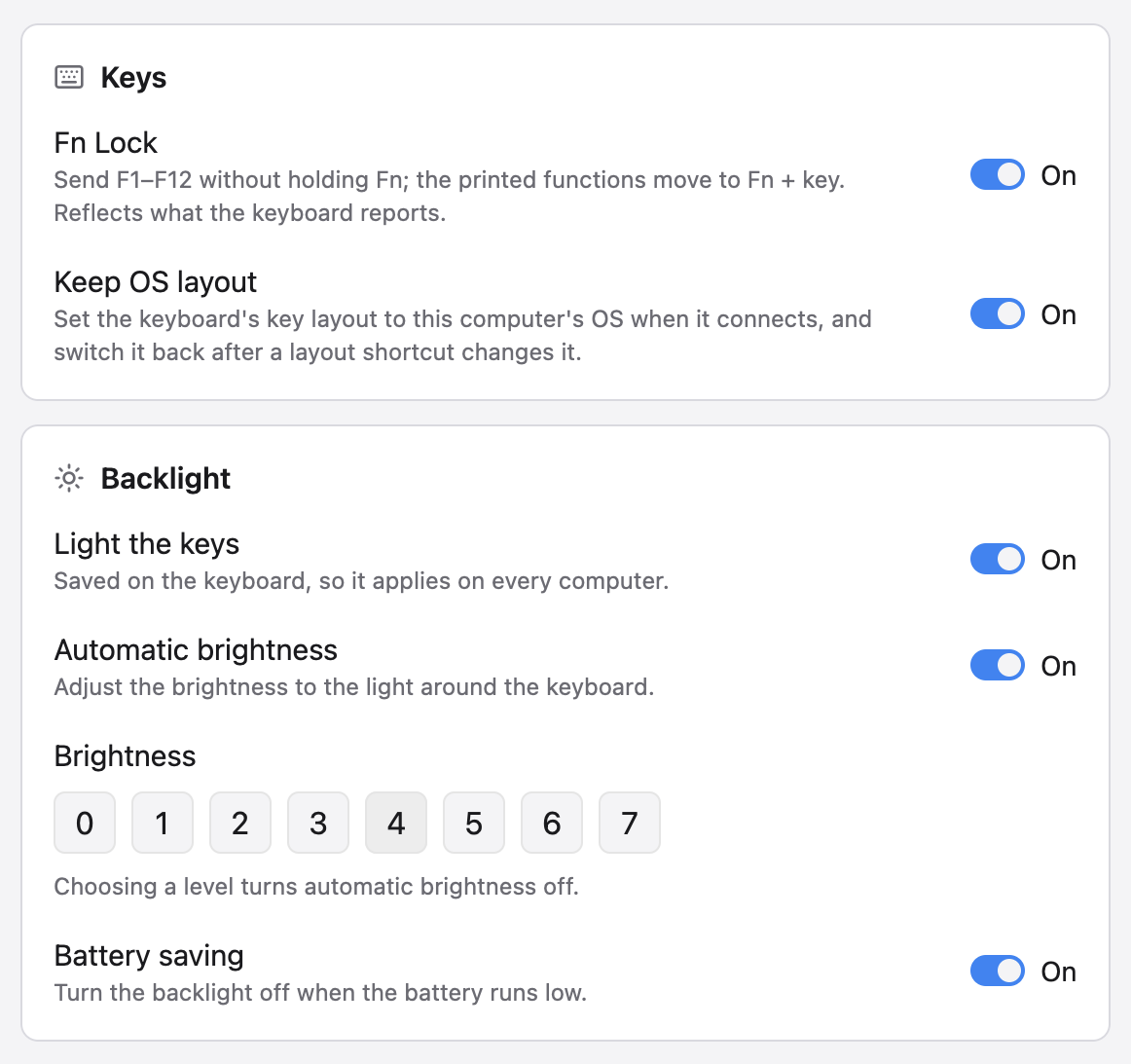
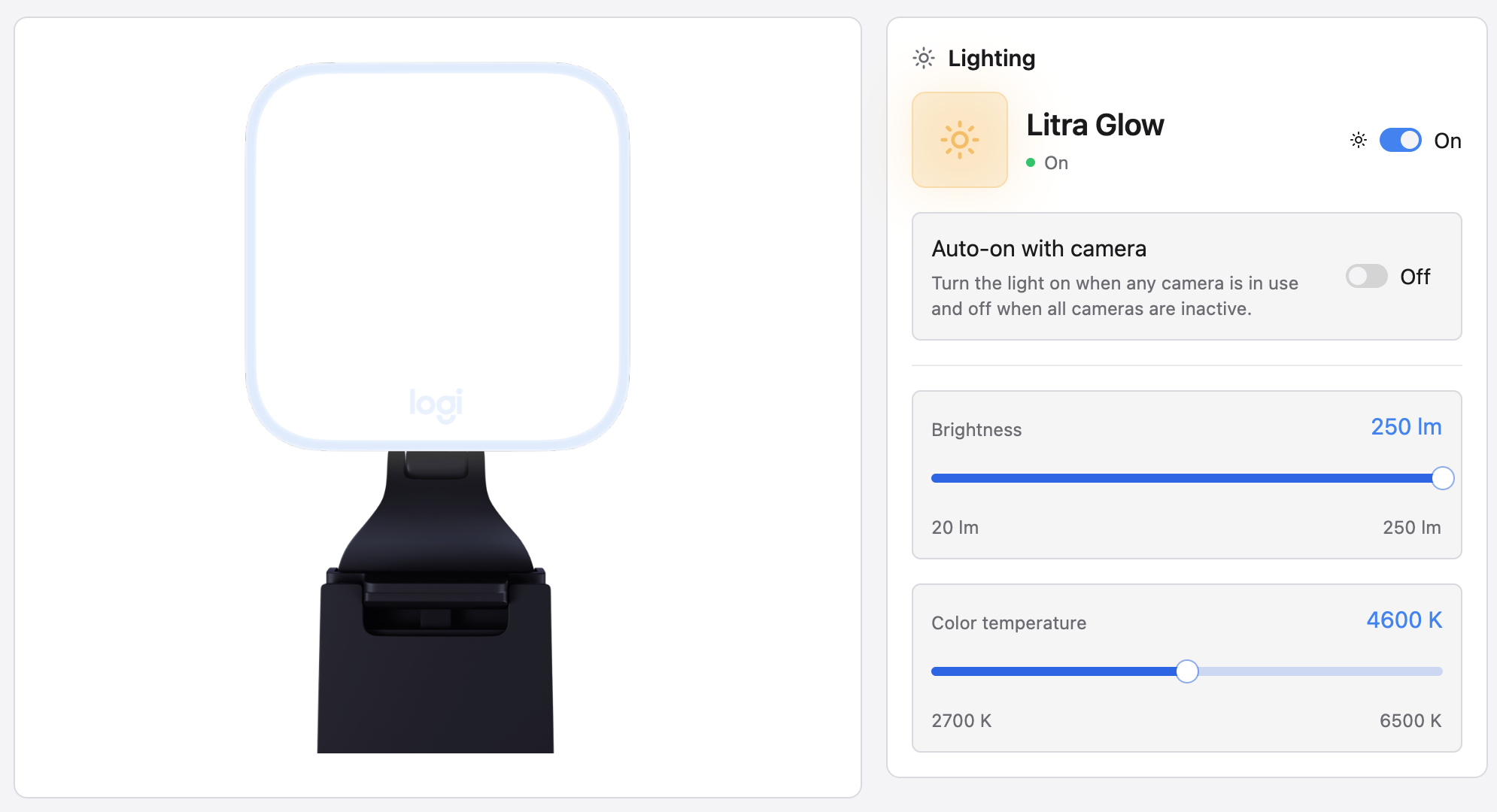
DPI presets with Cycle and Set actions, full SmartShift control (mode, sensitivity, a permanent-ratchet panel), remapping of the middle, mode-shift, and thumbwheel buttons, per-direction gestures with live capture, and the Actions Ring — a cursor-centred eight-slot action overlay.Does it handle keyboards and webcams too?Yes: global F-key remapping with typed text, key combos, and multi-step workflows (macOS + Windows), plus static RGB lighting. Any Logitech UVC webcam (Brio, StreamCam, C920 series) is plug and play — image controls are written to the camera hardware, so they apply in Zoom, Meet, OBS, and every other app.
Yes: global F-key remapping with typed text, key combos, and multi-step workflows (macOS + Windows), plus static RGB lighting. Any Logitech UVC webcam (Brio, StreamCam, C920 series) is plug and play — image controls are written to the camera hardware, so they apply in Zoom, Meet, OBS, and every other app.How do per-application profiles work?Profile overlays auto-switch when an app gains focus — on macOS and Windows, and on Linux only under X11 or XWayland. Media-key actions go through D-Bus MPRIS on Linux, where a few macOS-specific actions are no-ops.
Profile overlays auto-switch when an app gains focus — on macOS and Windows, and on Linux only under X11 or XWayland. Media-key actions go through D-Bus MPRIS on Linux, where a few macOS-specific actions are no-ops.Can I script it without opening the GUI?Yes — a real CLI ships alongside the GUI (documented in USAGE.md), and the whole configuration is one TOML file you can edit and sync by hand.
Yes — a real CLI ships alongside the GUI (documented in USAGE.md), and the whole configuration is one TOML file you can edit and sync by hand.What are similar projects?Mouser, juhradial-mx, a7c2-tools, gyotaku, rawaccel, Meltype, lightcraft, TrafficMonitor
Mouser, juhradial-mx, a7c2-tools, gyotaku, rawaccel, Meltype, lightcraft, TrafficMonitorWhich topics is it in?dpi, logitech, gpui, camera, configuration, hardware, windows-app, customization, utility, local-first, desktop, rust
dpi, logitech, gpui, camera, configuration, hardware, windows-app, customization, utility, local-first, desktop, rust