




What is this?
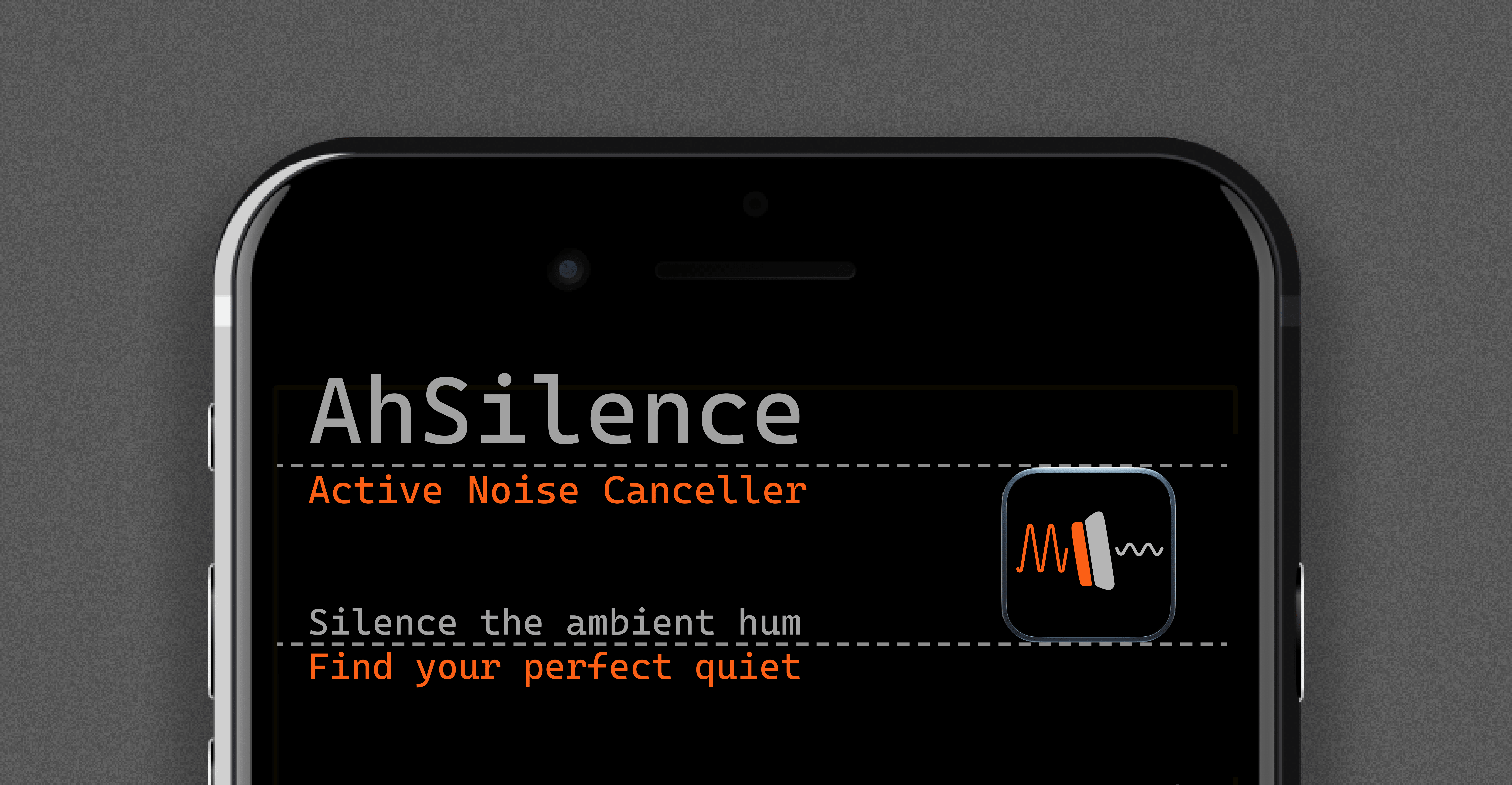
 AhSilence is a native Android app that performs active noise cancellation: it analyzes persistent low-frequency hums like AC units or electrical drones and emits phase-inverted sound waves to cancel them out in real time.
AhSilence is a native Android app that performs active noise cancellation: it analyzes persistent low-frequency hums like AC units or electrical drones and emits phase-inverted sound waves to cancel them out in real time.Is this an app I install, or a library for developers?It is a standalone Android application built with Kotlin and Jetpack Compose, not a library you embed in other apps.
It is a standalone Android application built with Kotlin and Jetpack Compose, not a library you embed in other apps.How do I get it running?Clone the repo and build it in Android Studio Ladybug (2024.2.1+) with JDK 21+ using the provided Gradle setup, then install the resulting APK on your phone.
Clone the repo and build it in Android Studio Ladybug (2024.2.1+) with JDK 21+ using the provided Gradle setup, then install the resulting APK on your phone.What hardware or tools do I need to try it?You need Android Studio Ladybug, JDK 21+, and a physical Android device running at least Android 8.0 (API 26) with a working microphone.
You need Android Studio Ladybug, JDK 21+, and a physical Android device running at least Android 8.0 (API 26) with a working microphone.Can I test it on an emulator?No, you need a real phone — emulators can't do the low-latency hardware microphone FFT processing the app relies on.
No, you need a real phone — emulators can't do the low-latency hardware microphone FFT processing the app relies on.Does it work on any Android phone?It targets Android 8.0 (API 26) and above, running as a native Kotlin/Jetpack Compose app.
It targets Android 8.0 (API 26) and above, running as a native Kotlin/Jetpack Compose app.Does the app send any audio or data off my phone?No, everything runs locally: AhSilence makes zero network calls and collects no data or telemetry.
No, everything runs locally: AhSilence makes zero network calls and collects no data or telemetry.How does the app actually detect the hum it's cancelling?It runs a custom Cooley-Tukey Radix-2 FFT algorithm over real-time PCM audio buffers to automatically detect the dominant background drone.
It runs a custom Cooley-Tukey Radix-2 FFT algorithm over real-time PCM audio buffers to automatically detect the dominant background drone.Will cancellation keep working if I lock my phone?Yes, it runs as an Android Foreground Service with a persistent notification so it stays active even when the screen is locked.
Yes, it runs as an Android Foreground Service with a persistent notification so it stays active even when the screen is locked.Does running this drain my battery fast?The UI uses StateFlow with hoisted Compose parameters to avoid unnecessary recompositions, and the audio loop is zero-allocation and GC-free, so it's designed to minimize battery and performance overhead.
The UI uses StateFlow with hoisted Compose parameters to avoid unnecessary recompositions, and the audio loop is zero-allocation and GC-free, so it's designed to minimize battery and performance overhead.What's planned for future versions?The roadmap includes multi-frequency cancellation, adaptive algorithms, and Bluetooth latency compensation.
The roadmap includes multi-frequency cancellation, adaptive algorithms, and Bluetooth latency compensation.What are similar projects?vivi-music, iosched, Parchment, LastWave-Native, Metrolist, android-airplay-server, Levyra-deepsound, ZhishengWeather
vivi-music, iosched, Parchment, LastWave-Native, Metrolist, android-airplay-server, Levyra-deepsound, ZhishengWeatherWhich topics is it in?dsp, kotlin-android, clean-architecture, low-latency, gradle, jetpack-compose, android-development, jvm, audio-processing, state-management, offline-first, architecture
dsp, kotlin-android, clean-architecture, low-latency, gradle, jetpack-compose, android-development, jvm, audio-processing, state-management, offline-first, architecture